




What makes a good "we're hiring" post
A hiring post has one job: make the right person stop scrolling and click through to your job description. It does not need to explain everything about the role. It needs to answer three questions in a couple of seconds: who is hiring, for what, and how do I apply. Everything else belongs on the careers page.
The strongest job announcement posts share a few traits:
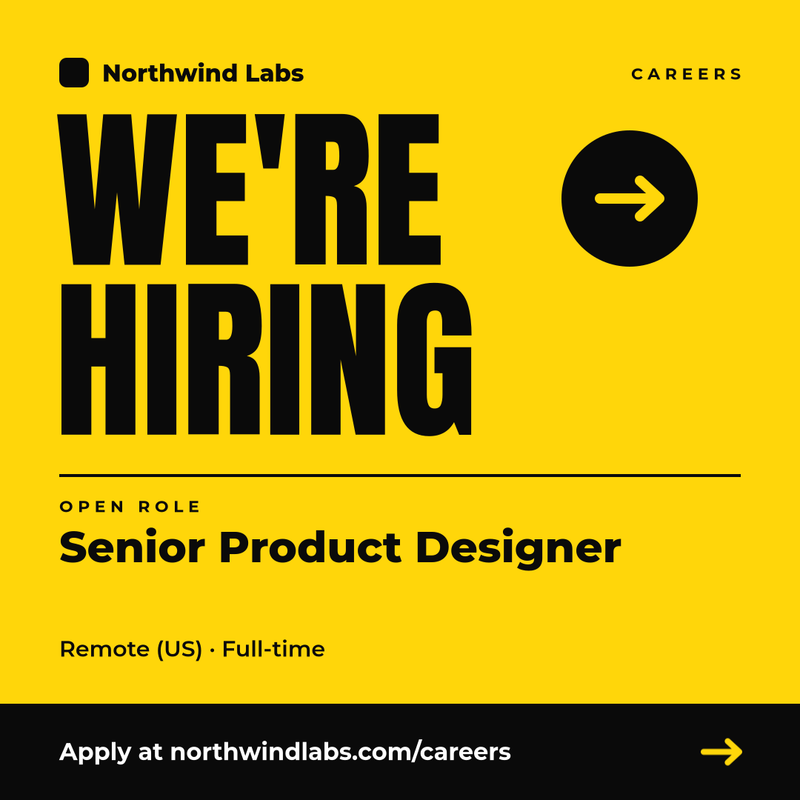
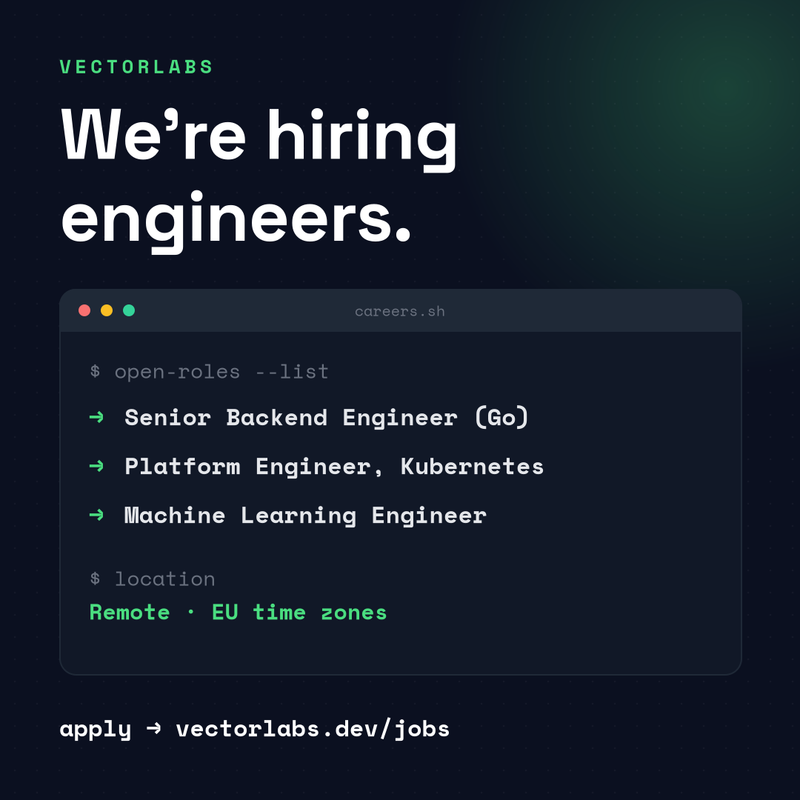
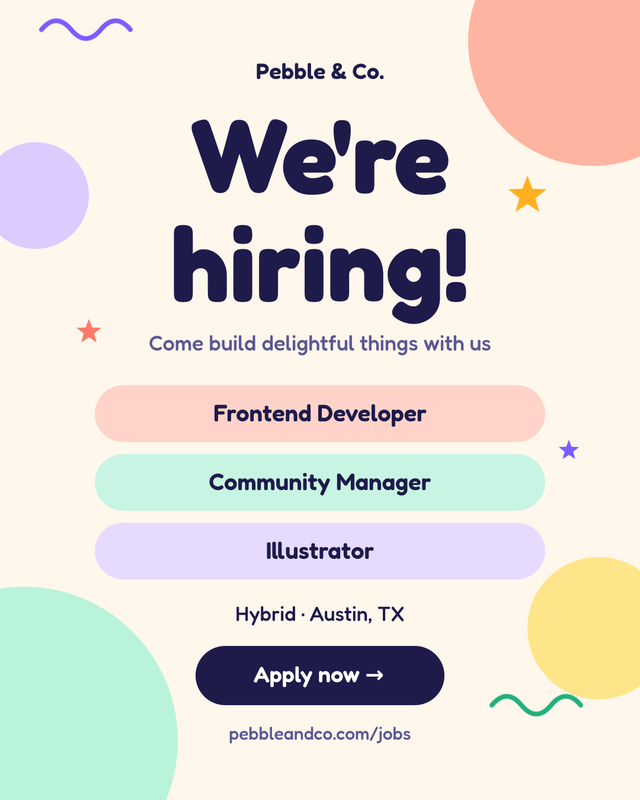
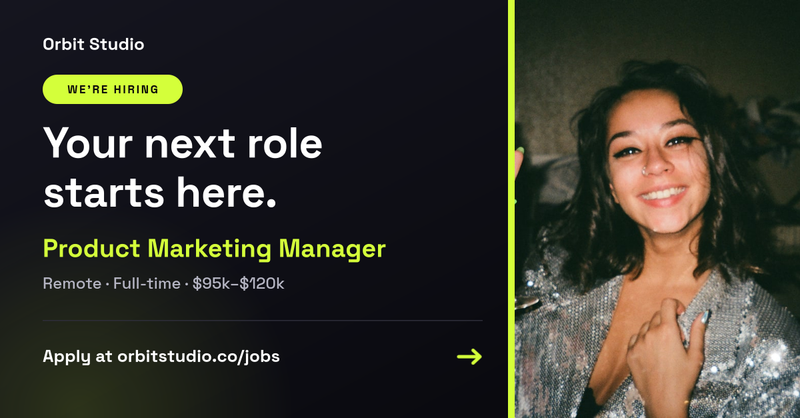
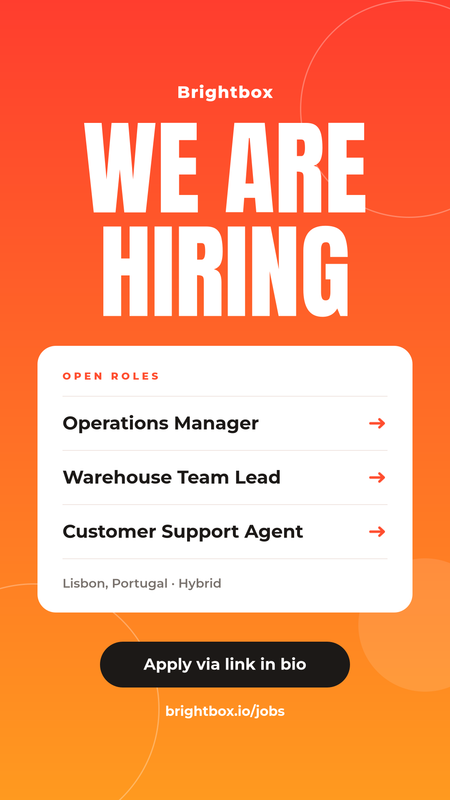
- A clear headline. "We're hiring", "Now hiring" or "Join our team" tells people instantly what the post is about, even before they read the role.
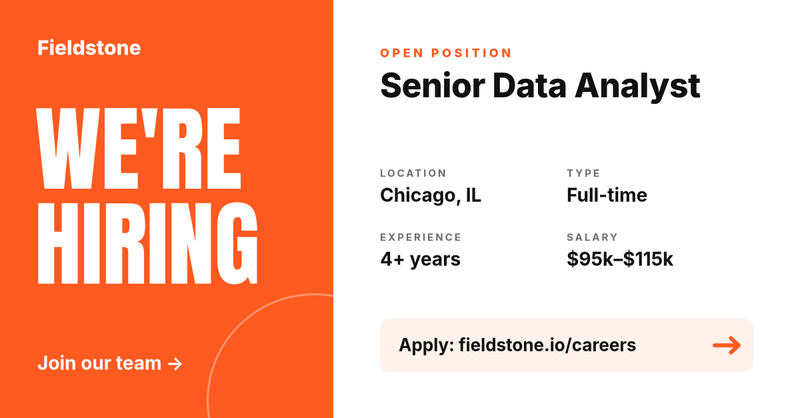
- The exact job title. Use the title candidates search for, such as "Senior Data Analyst" rather than an internal name like "Insights Ninja".
- Location and work model. Remote, hybrid or on-site, plus the city or time zone. This is the first filter most applicants apply.
- Employment type and, where you can, salary. Full-time, part-time or contract. Posts that show a pay range answer the most common question up front.
- One call to action. A short careers URL, an email address or "link in bio" for Instagram.
- Your brand. Company name, colours and a consistent style, so every hiring post is recognisably yours.
Best sizes for recruitment posts on each platform
The templates in this category come in the formats that work best on the platforms where people look for jobs:
- Square, 1080 × 1080. Works on Instagram, LinkedIn and Facebook feeds. A safe default when you post the same image everywhere.
- Portrait, 1080 × 1350. Takes up more of the screen in the Instagram and LinkedIn mobile feeds, which leaves room for a list of several open roles.
- Landscape, 1200 × 627. The standard link-share size for LinkedIn and X (Twitter), and a good fit for job board banners and newsletters.
- Story, 1080 × 1920. For Instagram and Facebook Stories. Keep important text away from the top and bottom edges, where the app interface sits.
How to create a hiring post with SnapShark
- Pick a template. Choose a design above that matches your brand and the platform you are posting to.
- Fill in the form. Every template has ready-made fields for the company name, job title, location, employment type, salary and application link. Type your details and the image updates. Long job titles and company names shrink automatically to fit the layout.
- Download the image. Export a PNG and post it straight to LinkedIn, Instagram or your careers page.
- Customise it in the editor (optional). Clone the template into your account to change colours, fonts, layout or add your logo and team photos. Your changes are saved as your own reusable template.
Create a post for every open role automatically
If you are hiring for more than a handful of positions, designing each post by hand quickly becomes a bottleneck. SnapShark turns a template into a reusable image generator:
- Bulk generation from a spreadsheet. Upload a CSV or Excel file with one row per job and get a branded hiring post for every role in one go.
- Image generation API. Connect your applicant tracking system or careers site to the SnapShark image generation API and create a post automatically whenever a new job opens.
- Consistent branding. Recruiters and hiring managers fill in the fields, and the design stays on brand every time.
See the pricing page for plan limits on bulk and API generation.
Tips for hiring posts that attract more applicants
- Keep the text short. Put the role, location and link on the image, and the details in the caption and job description.
- Post from personal profiles too. Ask the hiring manager and team members to share the post. People engage more with posts from people they know.
- Use real team photos where you can. A photo of your actual office or team feels more trustworthy than a stock image.
- Repost for each role. One post per position is easier to share and search than a single long list.
- Celebrate the hire, too. Once the role is filled, close the loop with a new employee announcement to welcome your new colleague publicly.