









All templates
Template category

ID Cards templates

Free ID card and badge templates for employees, students, events, press and members. Add a photo, name and ID number, then download, or generate a card for every person at once.

29 ready-to-use designs — fill the form, get the image.

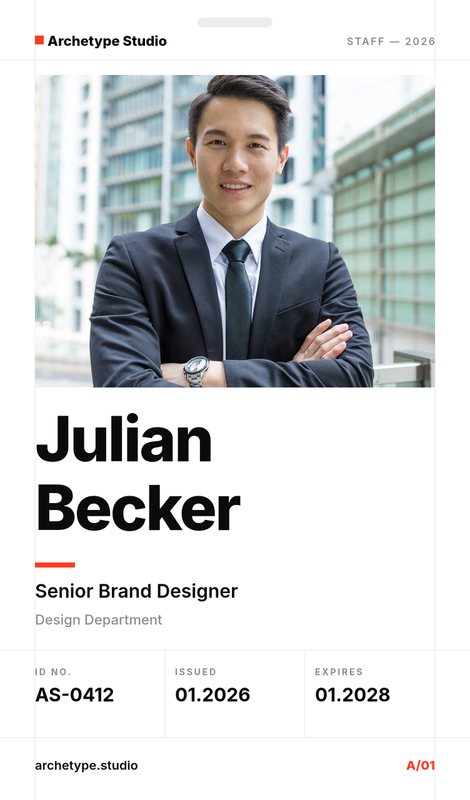
Swiss Minimal Staff ID Card
Use this template

Swiss Minimal Staff ID Card

752×1280
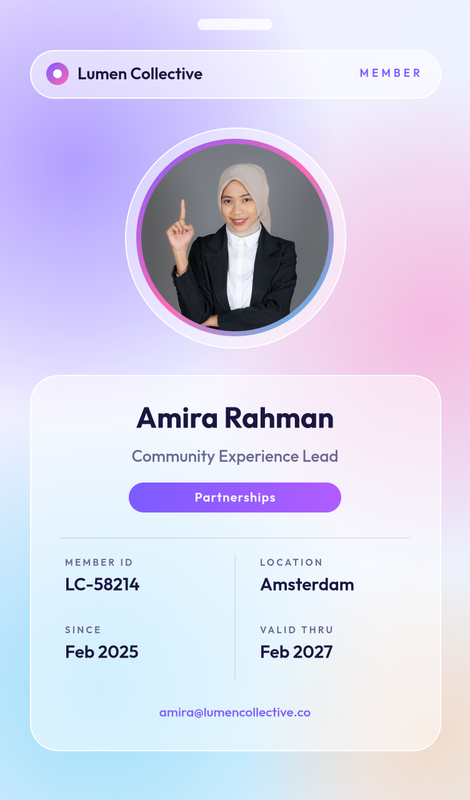
Glass Aurora Member ID Card
Use this template

Glass Aurora Member ID Card

752×1280
Bold Colour Block Employee ID Card
Use this template

Bold Colour Block Employee ID Card

752×1280
Luxury Black and Gold Executive ID Card
Use this template

Luxury Black and Gold Executive ID Card

752×1280
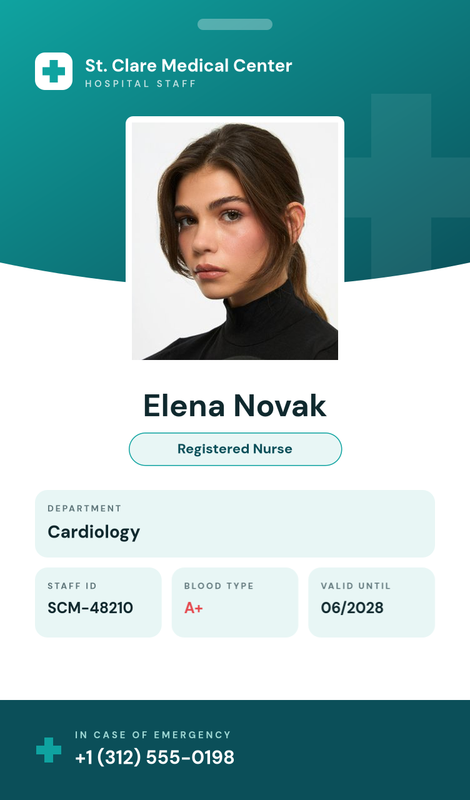
Healthcare Staff ID Card
Use this template

Healthcare Staff ID Card

752×1280
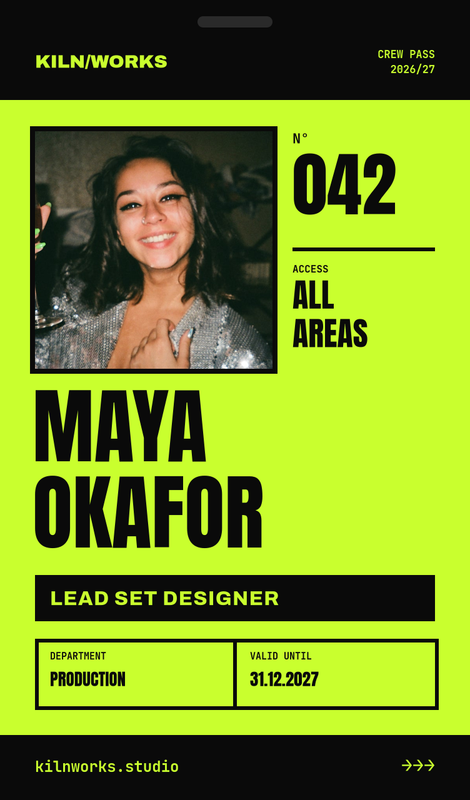
Brutalist Lime Crew ID Card
Use this template

Brutalist Lime Crew ID Card

752×1280
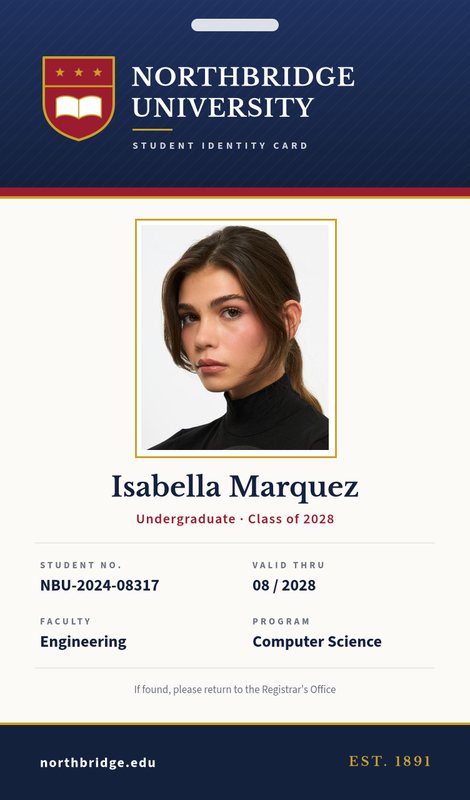
Classic University Student ID Card
Use this template

Classic University Student ID Card

752×1280
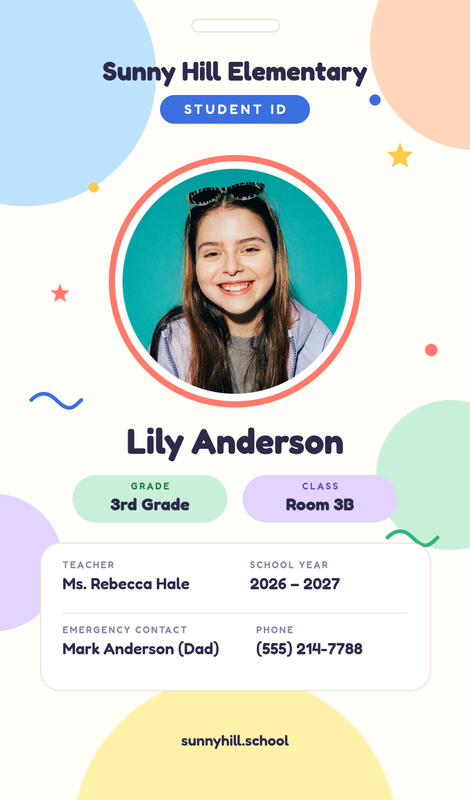
Playful Pastel Kids School ID Card
Use this template

Playful Pastel Kids School ID Card

752×1280
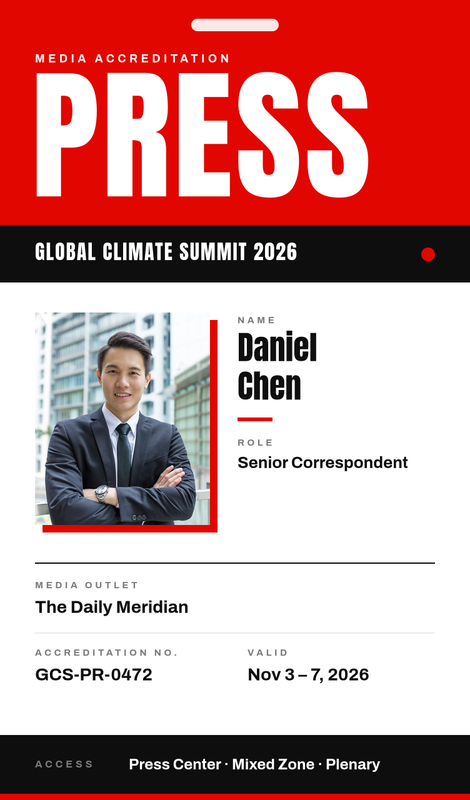
Bold Red Press Media Pass
Use this template

Bold Red Press Media Pass

752×1280
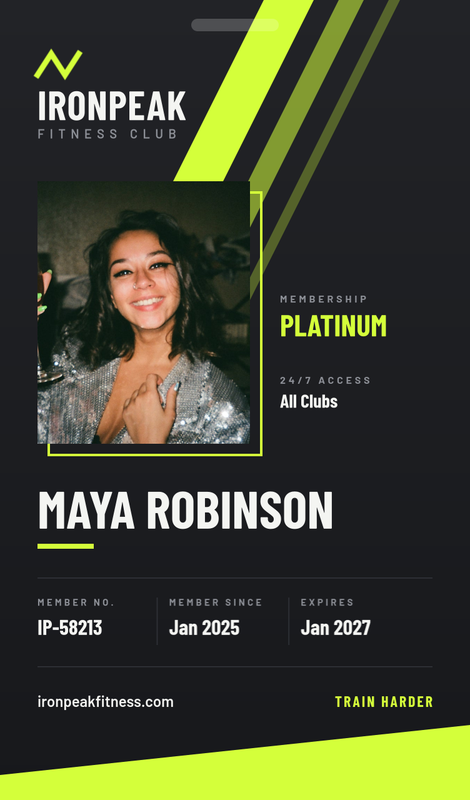
Neon Volt Gym Membership Card
Use this template

Neon Volt Gym Membership Card

752×1280
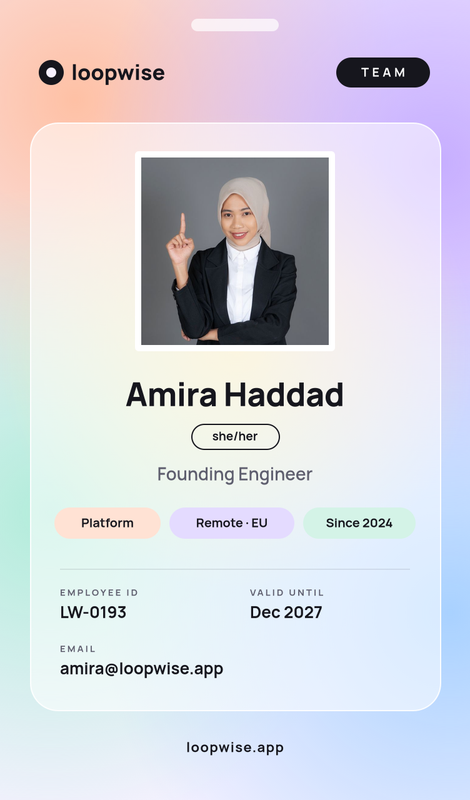
Pastel Mesh Startup Team Badge
Use this template

Pastel Mesh Startup Team Badge

752×1280
Lavender Conference Visitor Badge
Use this template

Lavender Conference Visitor Badge

752×1280
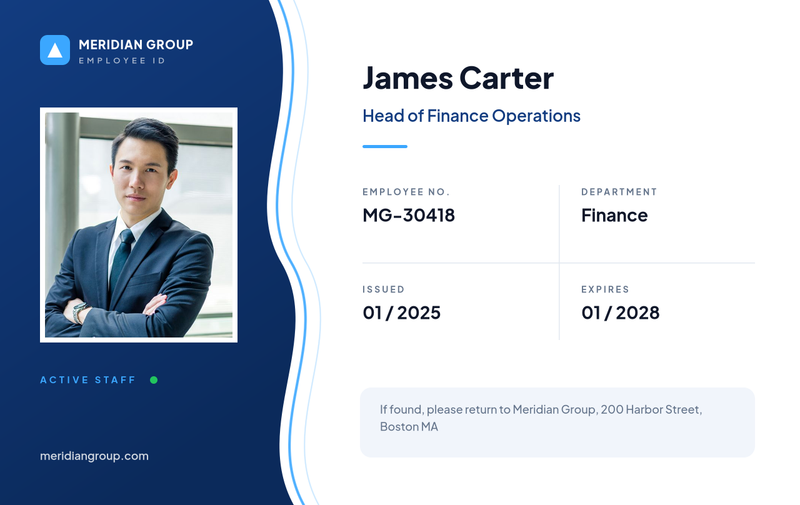
Corporate Blue Landscape Employee ID
Use this template

Corporate Blue Landscape Employee ID

1280×808
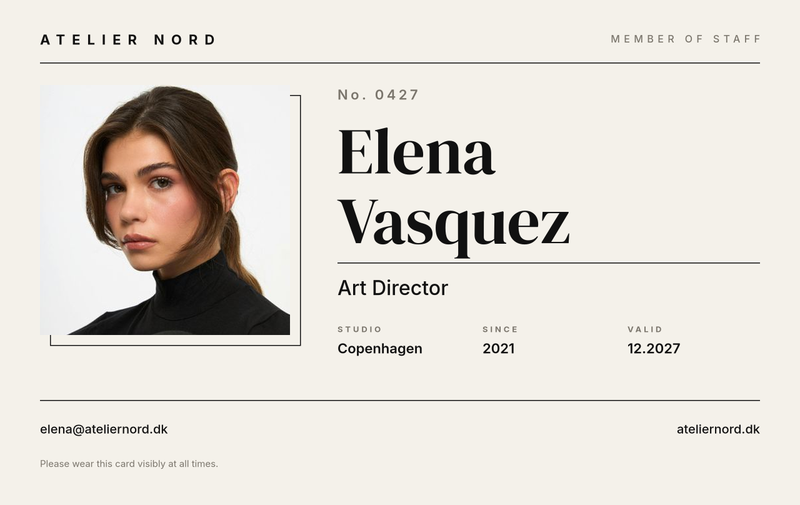
Minimal Monochrome Studio ID Card
Use this template

Minimal Monochrome Studio ID Card

1280×808
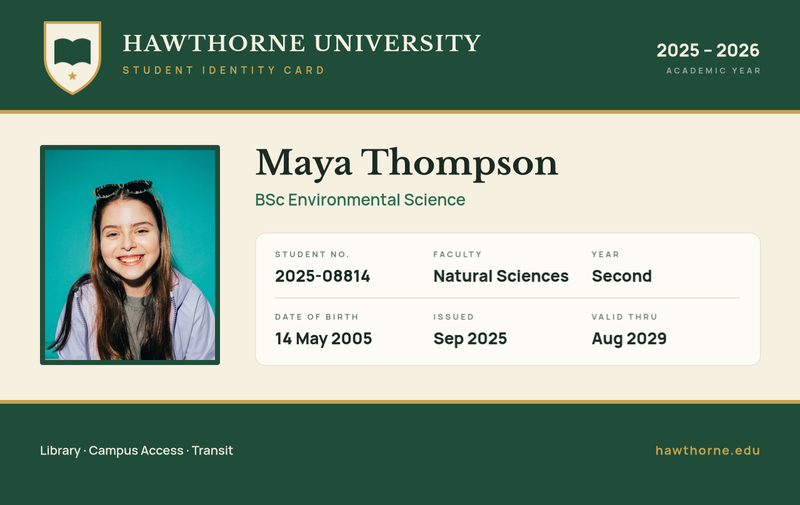
Forest Green University Student ID
Use this template

Forest Green University Student ID

1280×808
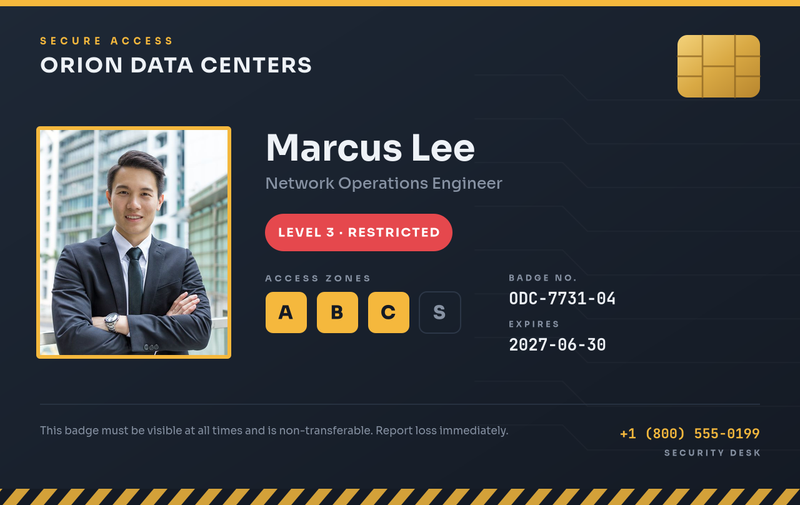
Dark Security Access Badge
Use this template

Dark Security Access Badge

1280×808
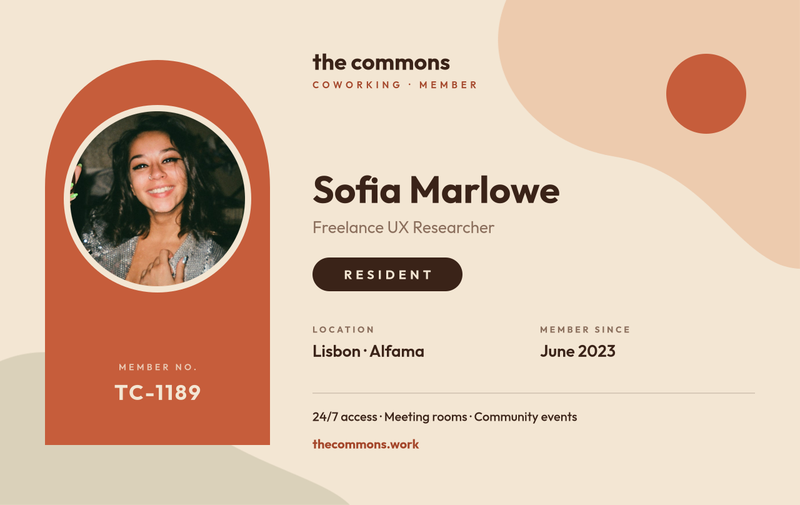
Terracotta Coworking Membership Card
Use this template

Terracotta Coworking Membership Card

1280×808
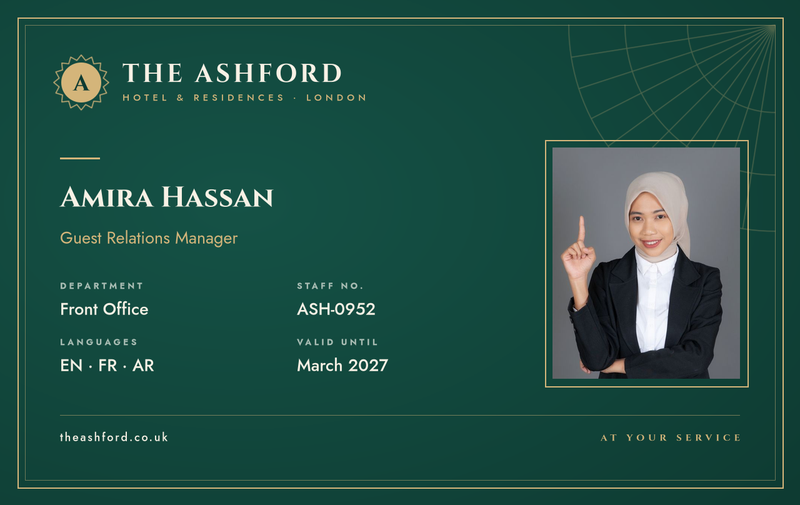
Emerald & Gold Hotel Staff ID
Use this template

Emerald & Gold Hotel Staff ID

1280×808
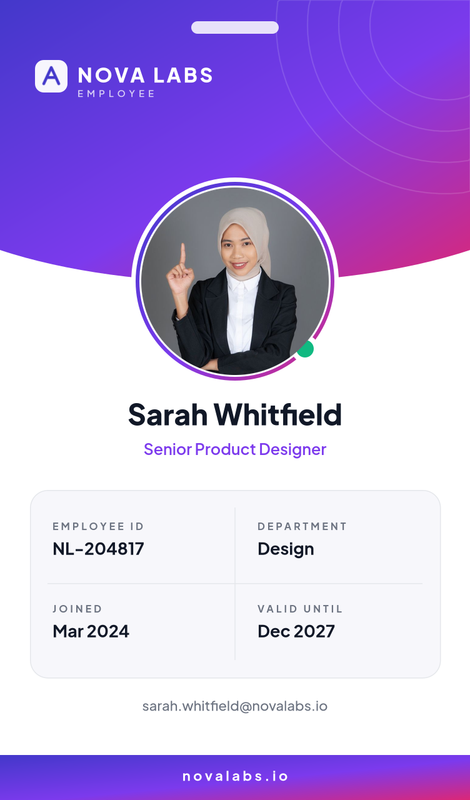
Modern Gradient Employee ID Card
Use this template

Modern Gradient Employee ID Card

752×1280
Dark Neon Conference Badge
Use this template

Dark Neon Conference Badge

752×1280
Corporate Blue Employee ID Card
Use this template

Corporate Blue Employee ID Card

752×1280
Green Corporate ID Card
Use this template

Green Corporate ID Card

752×1280
Green Music Festival Staff ID Card
Use this template

Green Music Festival Staff ID Card

752×1280
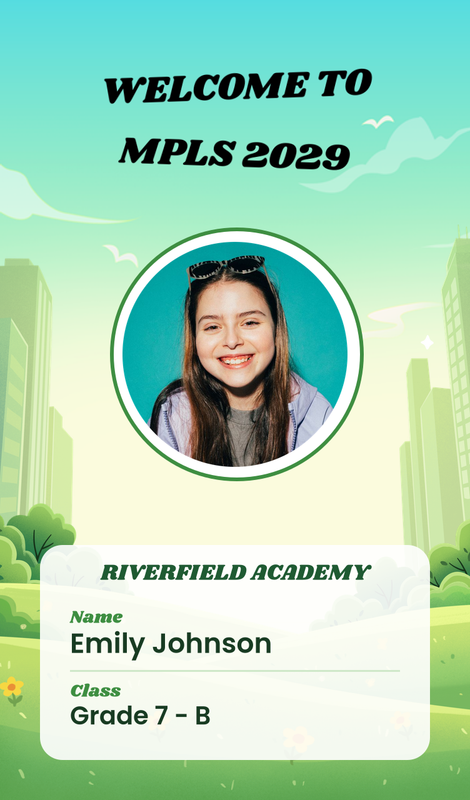
Green Illustrated School ID Card
Use this template

Green Illustrated School ID Card

752×1280
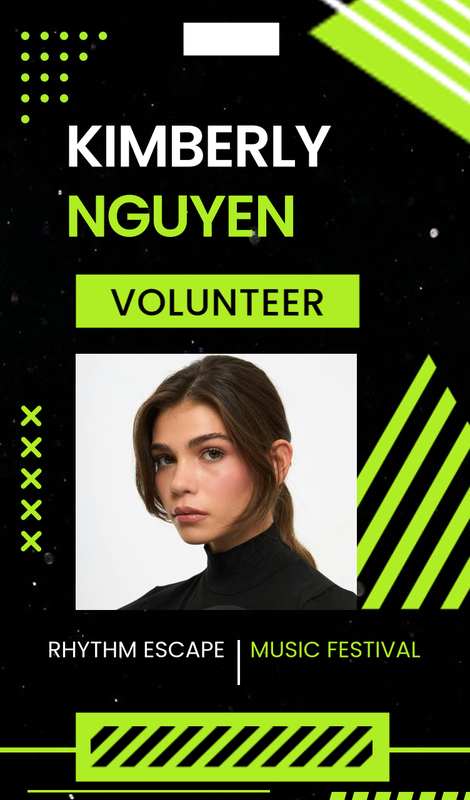
Neon Music Festival Volunteer ID Card
Use this template

Neon Music Festival Volunteer ID Card

752×1280
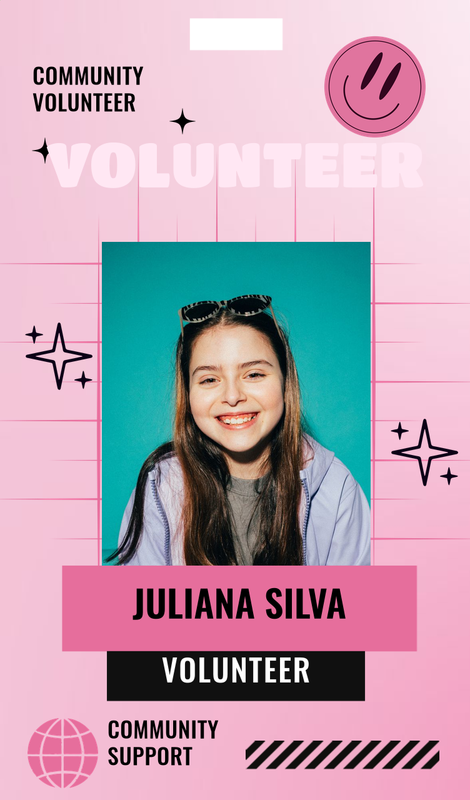
Pink Sparkle Volunteer Festival ID Card
Use this template

Pink Sparkle Volunteer Festival ID Card

752×1280
Blue and White Modern Business ID Card
Use this template

Blue and White Modern Business ID Card

752×1280
Blue Professional Company ID Card
Use this template

Blue Professional Company ID Card

752×1280
Green and White Modern Company ID Card
Use this template

Green and White Modern Company ID Card

752×1280

Need a custom id cards design?

Clone any template into your account, or design one from scratch in the editor.

Get started free

ID card and badge templates for every team

This collection covers the cards organisations print or share most often: employee ID cards, student ID cards for universities and schools, event and conference badges, press passes, gym and coworking membership cards, security access badges, hotel and hospitality staff IDs, and festival volunteer passes.

Two formats are included. Portrait cards at 752 × 1280 suit lanyards and event badges. Landscape cards at 1280 × 808 follow the standard credit-card (CR80) proportions used by most card printers and wallets.

What to put on an ID card

A good ID card is quick to read from a distance and hard to confuse with anyone else's. The templates come with these fields ready to fill:

  • Photo: a clear, recent headshot, cropped automatically to the frame.
  • Full name: the most prominent text after the photo. Long names shrink to fit instead of overflowing.
  • Role or title: job title, programme, ticket type or membership tier.
  • ID number: employee, student, member or badge number.
  • Organisation: company, school or event name.
  • Dates: issue date, valid-until date or event dates.
  • Extra details where they matter: department, access zones, blood type on healthcare cards, or an emergency contact on school cards.

How to make an ID card with SnapShark

  1. Pick a template above in the orientation you need.
  2. Fill in the form and upload the photo. The preview updates as you type.
  3. Download the card as an image for printing or for a digital badge.
  4. Make it yours (optional). Clone the template into your account to add your logo, match your brand colours or change the layout in the editor.

Badges for a whole team or event

ID cards are rarely made one at a time. A new intake of students, a conference with five hundred attendees or a company-wide badge refresh all need the same design with different names and photos.

  • From a spreadsheet. Export your staff list, class roster or ticket list, add a column with photo links, and generate a card for every row in one batch.
  • From your systems. HR tools, registration platforms and school systems can call the image generation API to create a badge automatically when someone joins or registers.
  • Consistent and correct. Every card uses the same layout, so there is no copy-and-paste error on card number 312.

See the pricing page for bulk and API limits.

Design tips for readable ID cards

  • Prioritise the photo and name. Security staff and colleagues glance at them first.
  • Use colour to signal roles. Different colours for staff, visitors, speakers or access levels make badges readable at a glance.
  • Keep text large enough to print. Small details become unreadable on a physical card.
  • Do not invent security features. If you need real barcodes, chips or holograms, add them through your card printer's system.
  • Announce the people behind the badges. Pair new staff badges with a new employee welcome post, or event badges with speaker announcements.
FAQ

Frequently asked questions

Are these ID card templates free?
Yes. You can fill in any ID card template and download it for free. An account lets you clone templates and edit them in the editor. See the pricing page for bulk and API limits.
What size is a standard ID card?
Most physical ID cards use the CR80 size, 85.6 × 54 mm, the same as a credit card. Our landscape templates use that ratio at 1280 × 808 pixels. The portrait templates at 752 × 1280 suit lanyard badges.
Can I make ID cards for all employees or attendees at once?
Yes. Upload a spreadsheet with one row per person, including a link to each photo, and SnapShark generates a card for every row. You can also create cards automatically through the API.
Can I add my company logo?
Yes. Clone the template into your account and upload your logo in the editor, then change colours and fonts to match your brand.
Can I print these ID cards?
Yes. Download the image and print it on a PVC card printer or on card stock. Check your printer settings for bleed and safe margins before a large run.
What if a name is very long?
Name and title fields shrink the text automatically to fit, so long names stay within the card without overlapping other details.
ID Card Templates – Free Employee, Student & Event Badges | SnapShark