



What makes a good speaker announcement
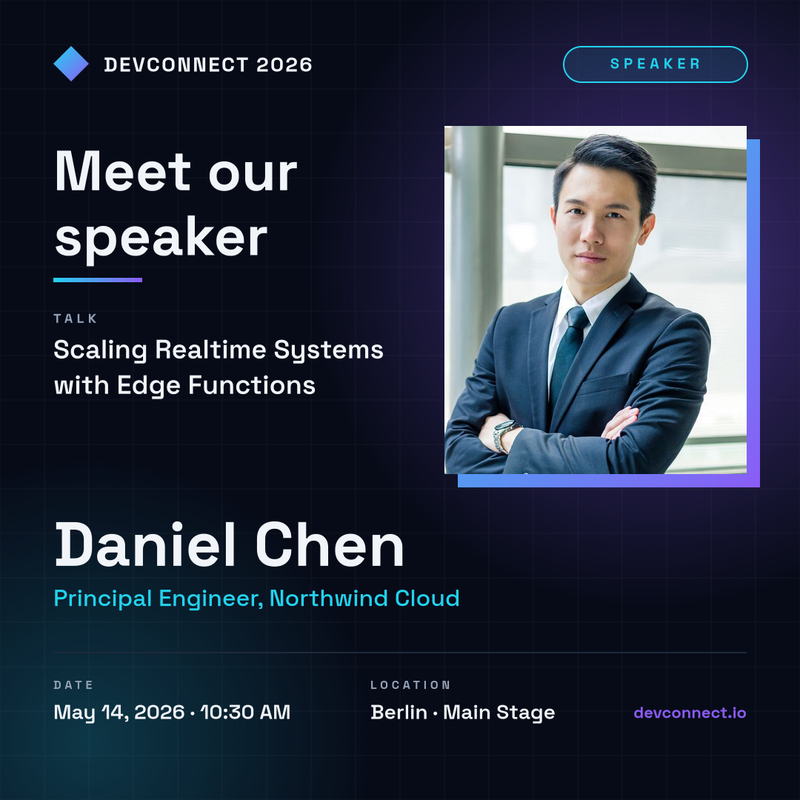
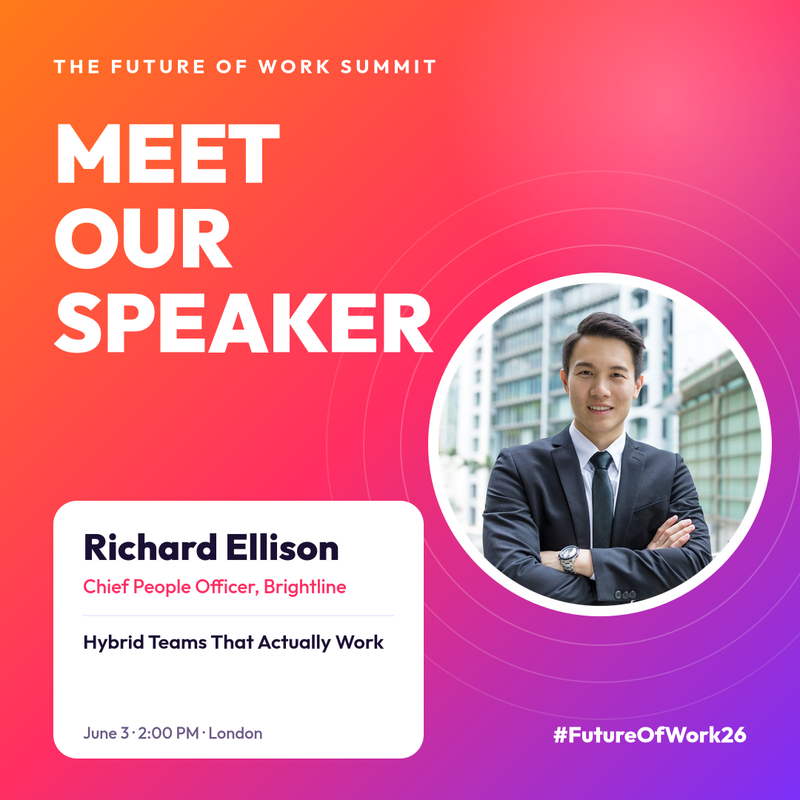
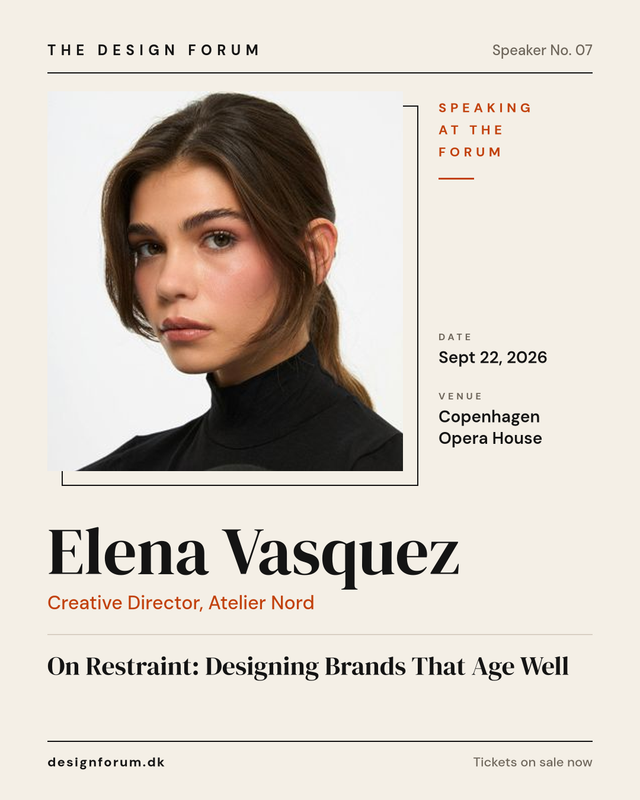
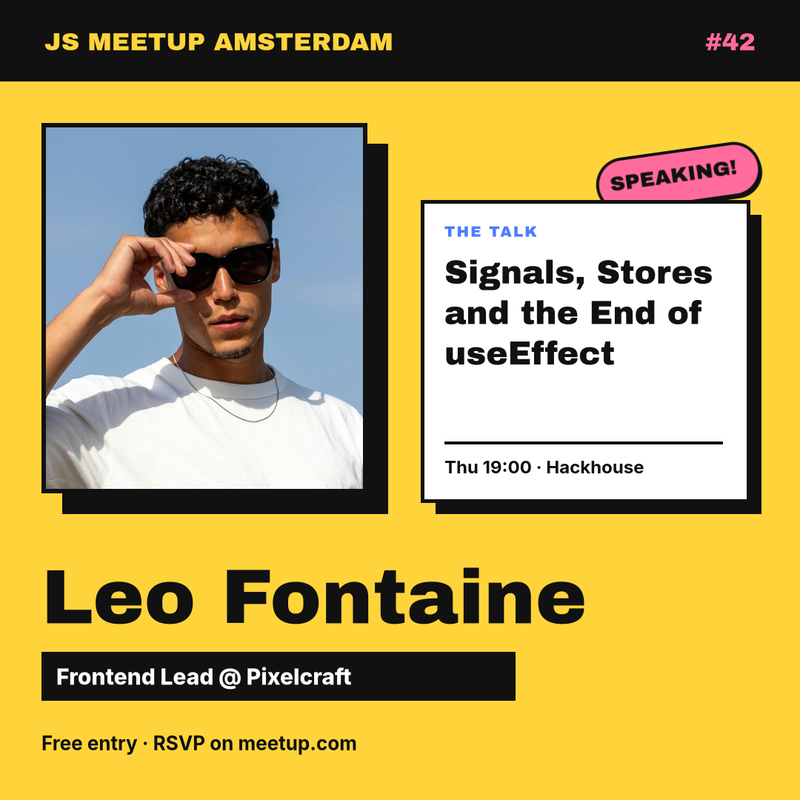
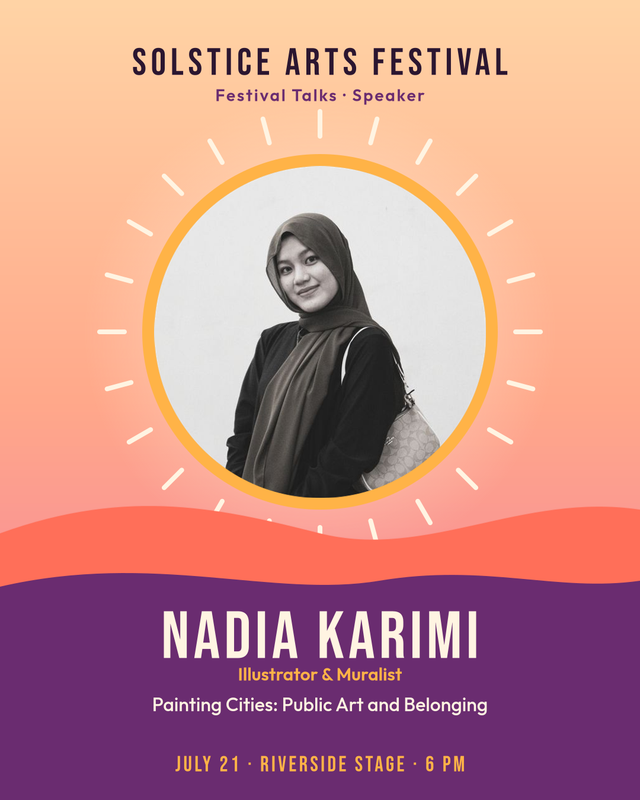
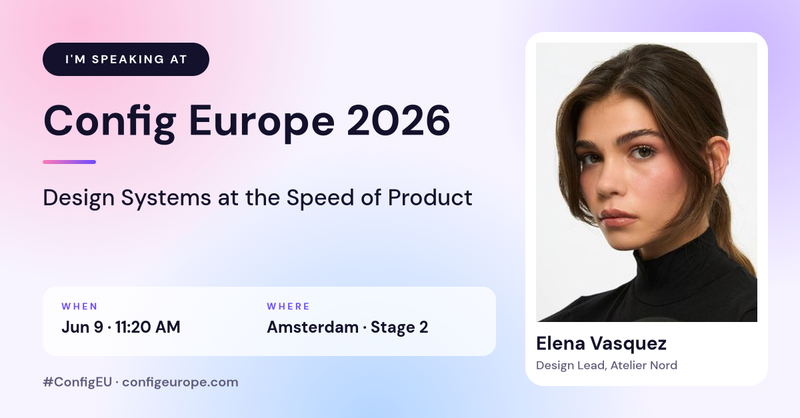
A speaker announcement has one job: make someone stop scrolling and think "I want to hear that person." The best conference speaker cards do it with a short list of ingredients, arranged so the eye finds them in the right order.
- A clear, well-lit headshot. Faces are what people notice first in a feed. Crop close enough that the face is recognisable at thumbnail size.
- The speaker's name, large. It is the most important line on the card, and it is what the speaker's own network will recognise.
- Role and company. One short line of credibility. "Head of Design, Atelier Nord" says more than a paragraph of bio.
- The talk title. This is the reason to attend. Keep it to one or two lines.
- Date, time and place. Or "Online" for a webinar, plus the time zone.
- Event name and a link or hashtag so people know where to register and how to join the conversation.
Everything else is decoration. If a card feels crowded, remove a line rather than shrinking every line.
Speaker graphic sizes for each platform
Every template in this collection is built at the native size of the channel it is meant for, so nothing gets cropped when you upload it.
- Instagram and Facebook feed: 1080 × 1080 (square) or 1080 × 1350 (portrait, takes up more of the screen).
- LinkedIn and X posts: 1200 × 627, the landscape format used for link previews and feed images.
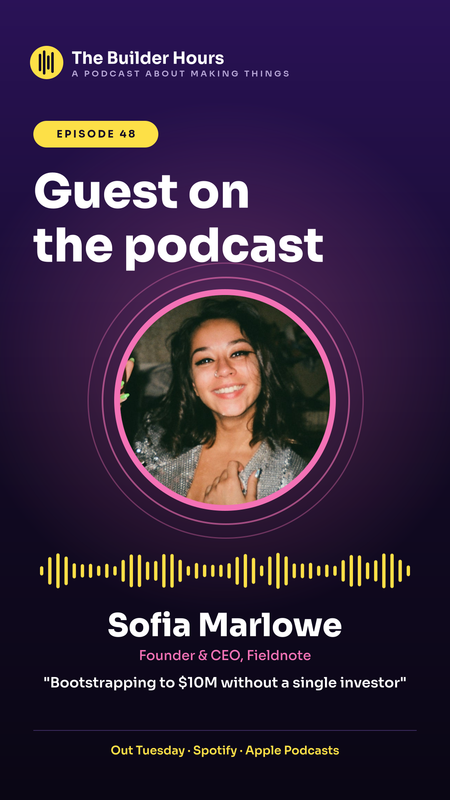
- Instagram and LinkedIn stories: 1080 × 1920. Keep important text away from the top and bottom edges, where the app overlays its own buttons.
Most events publish the same speaker in two or three formats. Because each template keeps its text and photo as named layers, you can fill one form and reuse the same details across sizes.
How to create a speaker announcement with SnapShark
- Pick a template from the collection above that matches the tone of your event: dark and technical, bold and colourful, or calm and editorial.
- Fill in the fields. Upload the speaker's headshot and type their name, title, talk and session details. Long names and titles shrink automatically to stay inside the design.
- Adjust the brand. Clone the template into the editor to change colours, fonts or the logo so it matches your event identity.
- Download a PNG ready to post, or share a link to the image.
Create cards for your whole lineup at once
A conference with forty speakers needs forty cards, often in three sizes each. Doing that by hand is where most event teams lose a day. With SnapShark you design the card once and generate the rest from data.
From a spreadsheet
Export your speaker list with columns for name, title, company, talk title, session time and photo URL. Upload it with bulk generation and every row becomes a finished image, downloaded together as a ZIP file.
From your event platform or website
If your agenda lives in a CMS or ticketing tool, the image generation API renders a card whenever a speaker is added or a session changes. The image is always up to date without anyone opening a design tool.
Let speakers share their own "I'm speaking at" card
Speakers are your best promoters, but only if sharing is effortless. Send each one a personalised "I'm speaking at" image with their photo and session already filled in. Posts from speakers reach audiences your event account never would.
A simple promotion timeline
- Six to eight weeks out: announce keynote speakers one at a time, with a dedicated post each.
- Four weeks out: publish the rest of the lineup in batches, grouped by track or theme.
- Two weeks out: send every speaker their personal share card and ask them to post it.
- Event week: switch to story-format "today on stage" posts with session times.
- After the event: reuse the same templates to share recordings and thank the speakers.
Running a multi-day event? Our ID card and badge templates cover attendee and staff badges in the same workflow.