


Celebrate every promotion with a post your team will remember
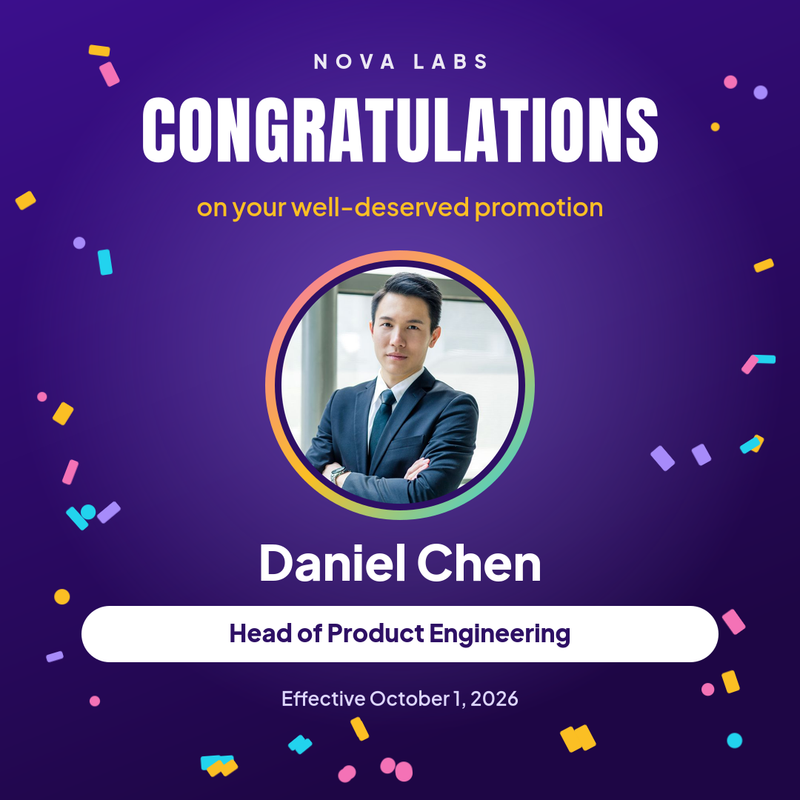
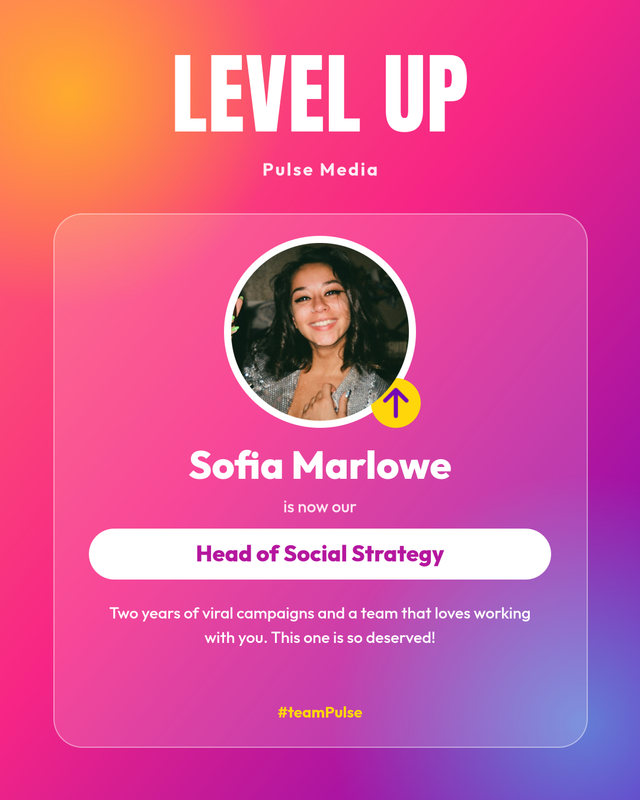
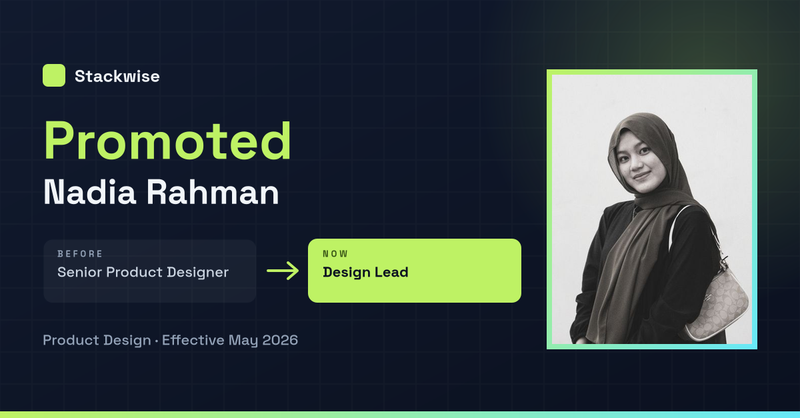
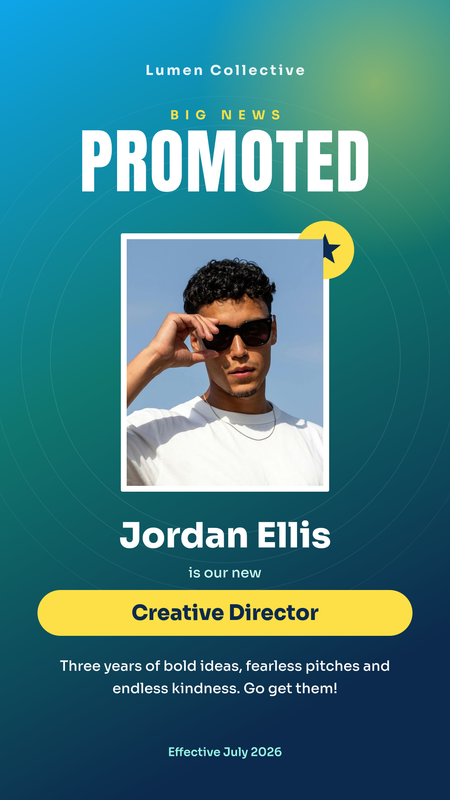
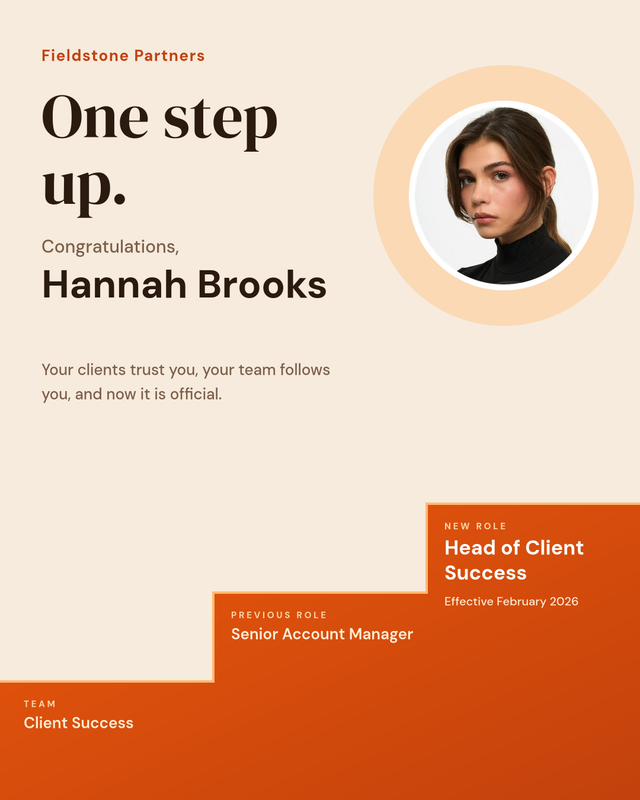
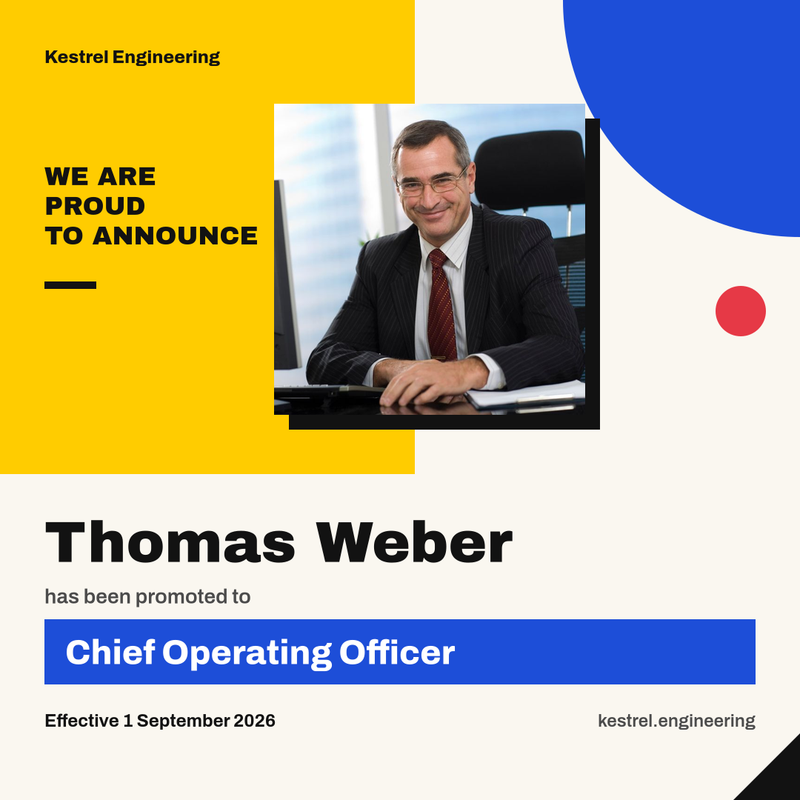
A promotion is one of the few pieces of company news that everyone is happy to share. A well-designed promotion announcement template turns that moment into a polished post for LinkedIn, Instagram or your internal channels in minutes. Each design in this collection has a photo slot and editable fields for the name, new title, previous role, team and effective date, so you can publish a professional "congratulations on your promotion" post without opening a design tool.
Every template is fully editable. Fill in the form to generate an image instantly, or clone the design into your account and adjust colours, fonts and layout to match your brand.
What to include in a promotion announcement
The best promotion posts are short, specific and personal. Before you publish, make sure your graphic answers these questions at a glance:
- Who was promoted: a clear headshot and the person's full name.
- What the new role is: the exact job title, written the way it will appear in the company directory.
- Where they came from: the previous title, if you want to show the career path. Several of our designs include a before-and-after layout for this.
- Which team they lead or join, so colleagues and clients know who to contact.
- When the change takes effect.
- A short message of thanks or congratulations from the company or manager.
Wording ideas for a congratulations on your promotion post
The image does the heavy lifting, but a good caption makes the post feel human. A few examples you can adapt:
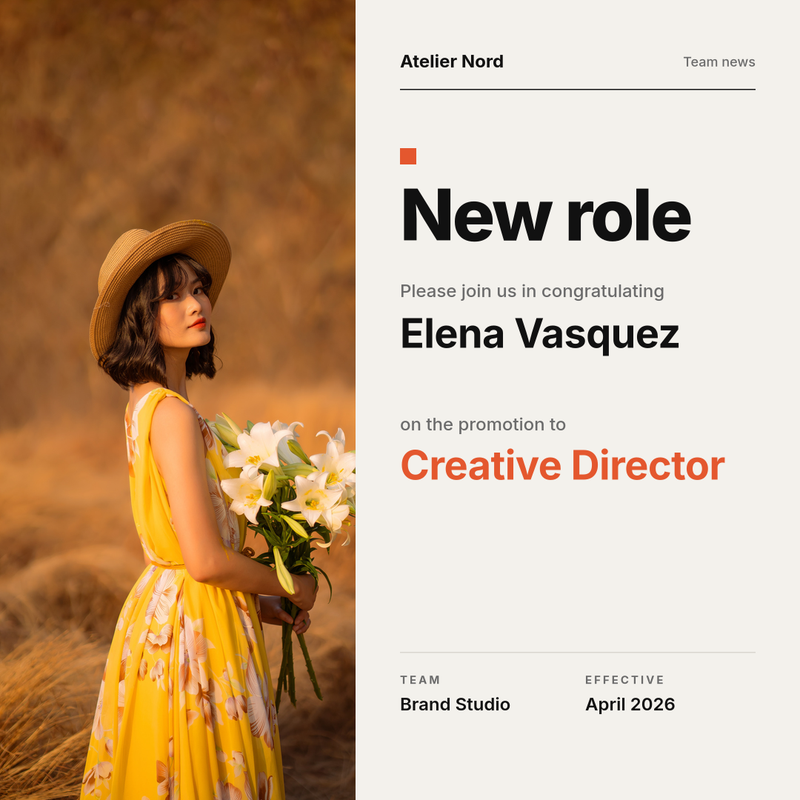
- "Please join us in congratulating Elena Vasquez on her promotion to Creative Director. Elena has shaped our brand work for four years and we can't wait to see what she builds next."
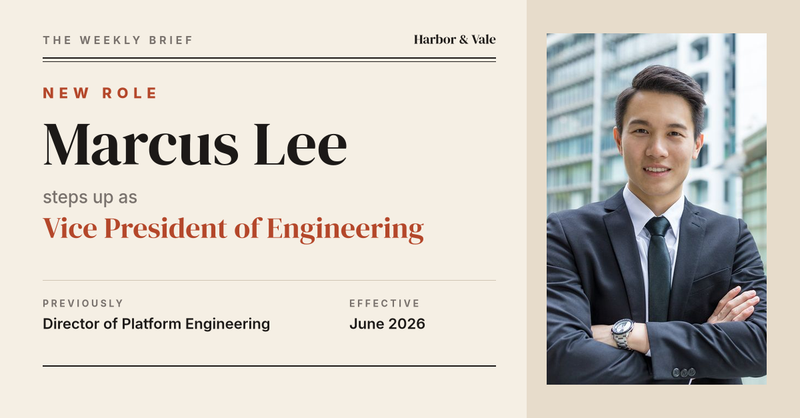
- "Big news from the engineering team: Marcus Lee steps up as Vice President of Engineering, effective June 1."
- "From Senior Data Analyst to Data Science Lead. Congratulations, Leila, on a well-deserved new role!"
Keep the caption to two or three sentences, mention one concrete achievement, and tag the person so their network sees the news.
Recommended sizes for each platform
The collection covers the formats you need most, so the same announcement can run everywhere:
- 1080 × 1080 square posts work in the Instagram and LinkedIn feeds.
- 1080 × 1350 portrait posts take up more space in mobile feeds and suit longer messages.
- 1200 × 627 landscape banners are ideal for an employee promotion announcement on LinkedIn, company blogs and newsletters.
- 1080 × 1920 story templates fit Instagram, Facebook and LinkedIn stories.
How to create a promotion announcement with SnapShark
- Pick a design from the gallery above and open it.
- Upload the employee's photo. It is cropped automatically to fit the frame.
- Type the name, new title, previous title, team, message and effective date. Long names and titles shrink to fit their space, so the layout stays clean.
- Download the image as PNG, or clone the template to change colours, fonts and logos.
- Share it on LinkedIn or Instagram and tag the person you are celebrating.
Automate posts for every promotion cycle
Many companies announce promotions in batches after a review cycle. Instead of designing twenty graphics by hand, upload a spreadsheet with one row per person and generate every new role announcement in one bulk job. Each row becomes its own image with the right photo, name and title, ready to download as a ZIP.
If your HR system already knows when someone is promoted, connect it to the image generation API. Send the template ID and the employee's details, and SnapShark returns a finished image you can post automatically or drop into your internal newsletter.
Etiquette tips for promotion announcements
- Ask the person before posting, and let them choose the photo they are happiest with.
- Announce internally first so the team does not learn the news from social media.
- Use the official job title and double-check spelling of names.
- Keep the tone consistent across the company by reusing the same template for every promotion.
- Pair promotion posts with new employee announcements and work anniversary posts to tell a complete story about your team.