
Why a welcome post matters
A new hire announcement does two jobs at once. Internally, it helps colleagues put a face to a name before the first meeting, so the new team member walks into a room where people already say hello. Externally, a welcome to the team post on LinkedIn or Instagram shows candidates, customers and partners that your company is growing and that people are celebrated when they join. It is one of the easiest pieces of employer-branding content you can publish, and it only works if it looks good and goes out on time.
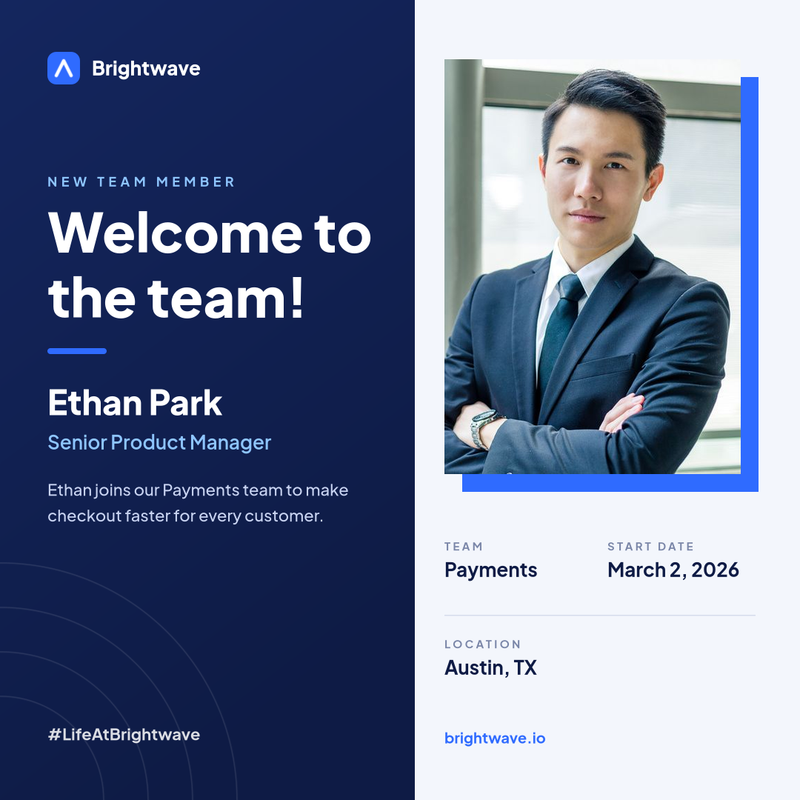
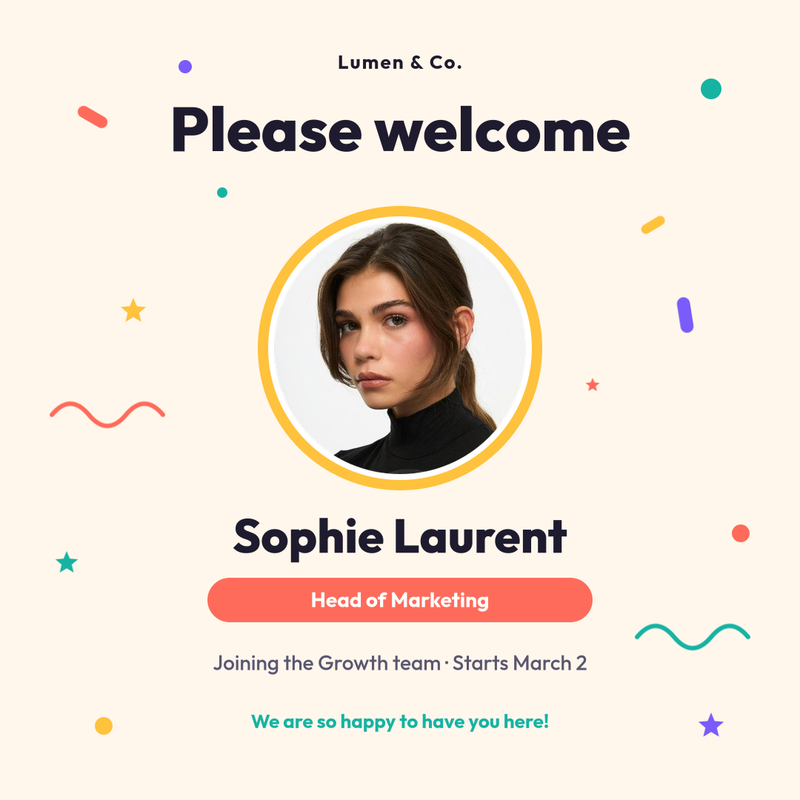
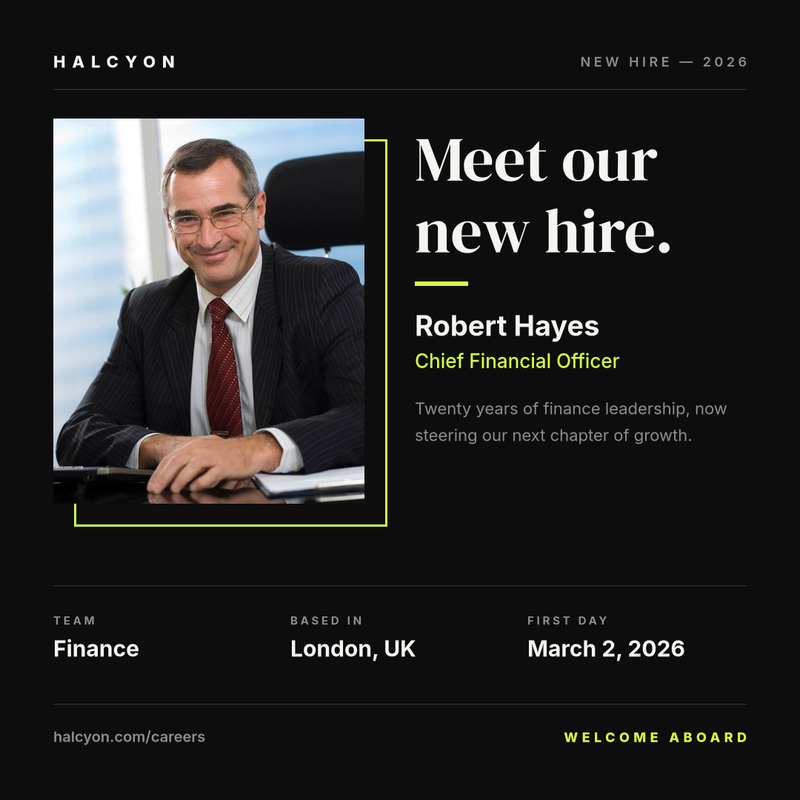
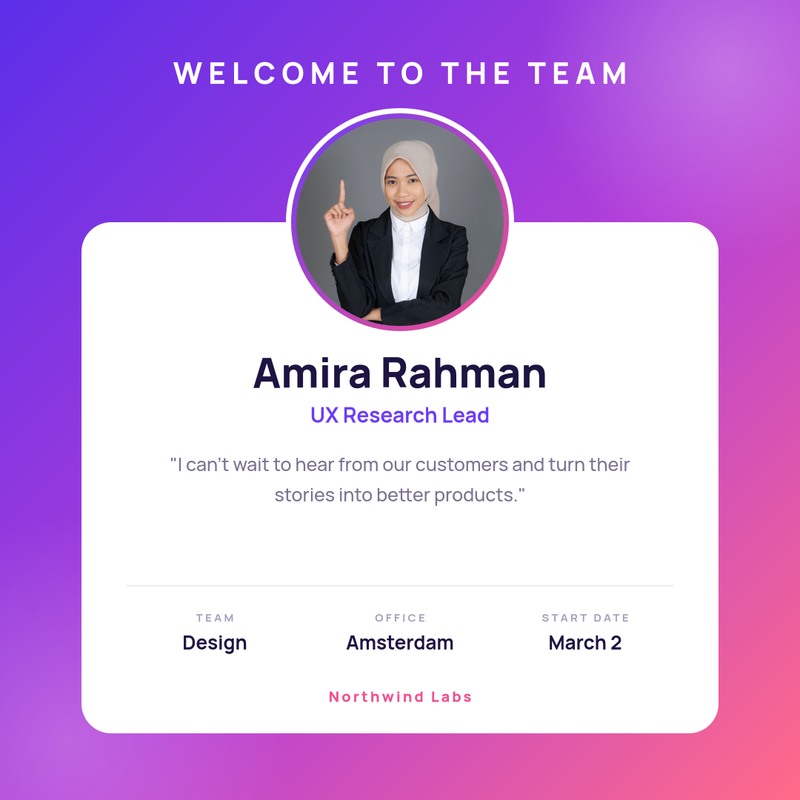
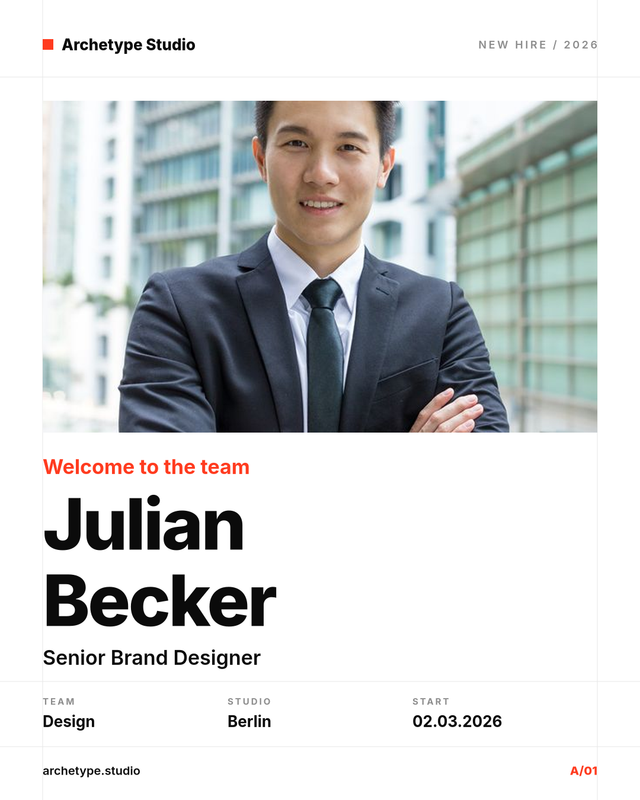
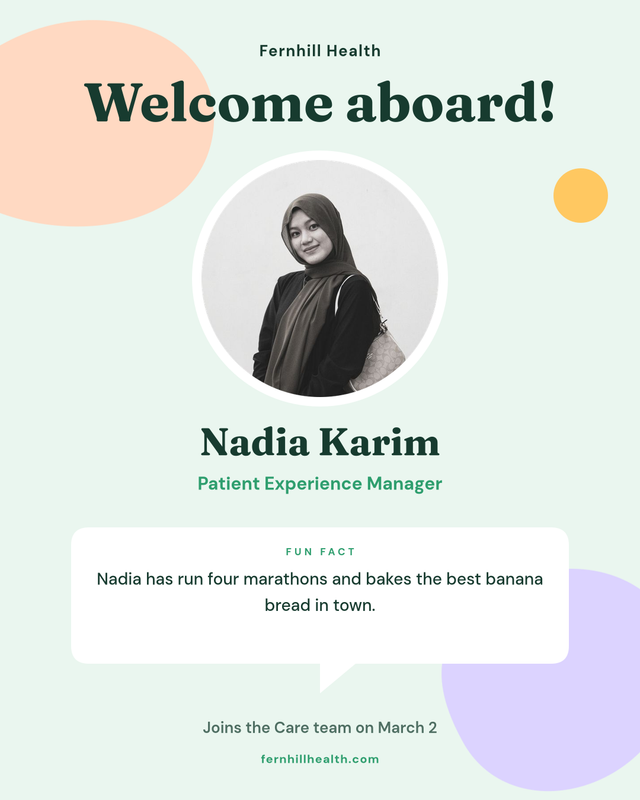
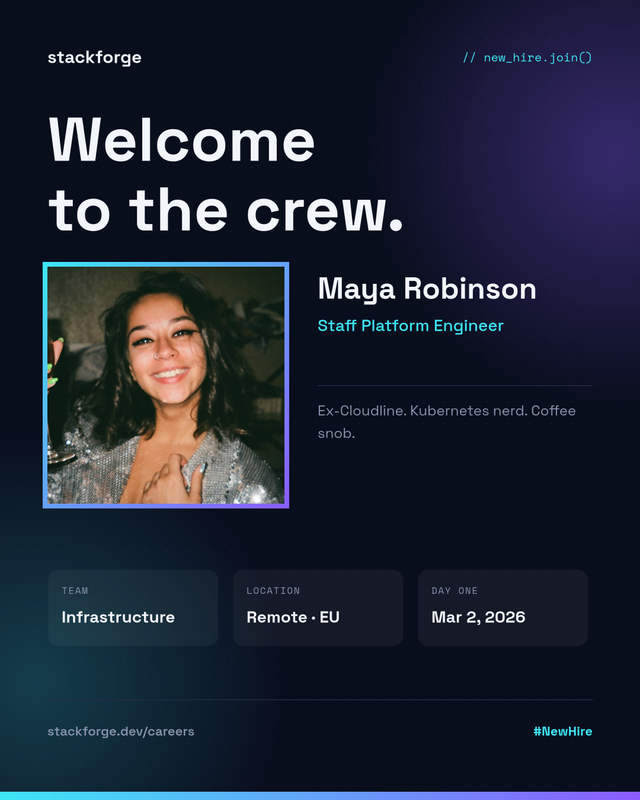
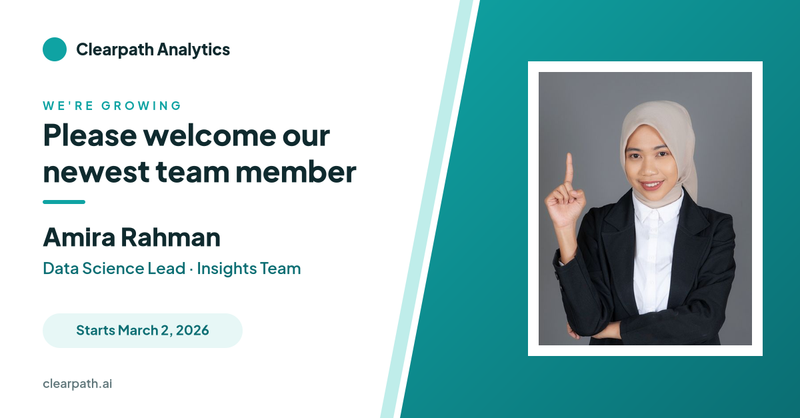
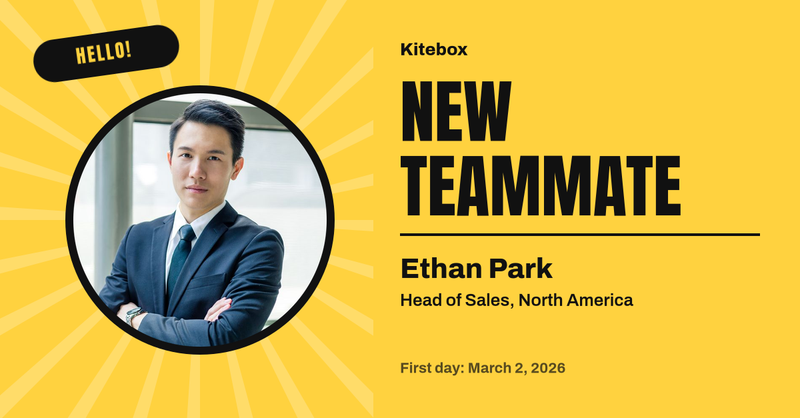
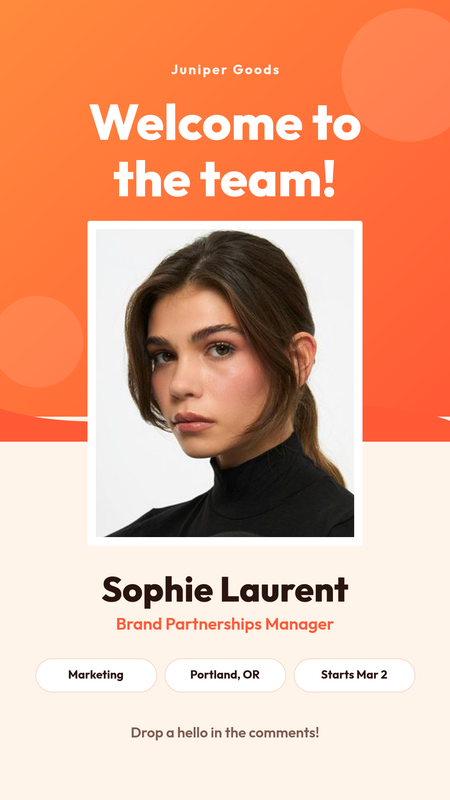
The templates on this page are built for exactly that: a clean layout with a photo slot, the person's name and role, and a few supporting details, so you can publish a consistent welcome new employee post for every hire without opening a design tool.
What to include in a new employee announcement
Keep it short and personal. A good welcome post usually has:
- A clear headline such as "Welcome to the team", "Please welcome" or "Meet our new hire".
- A friendly photo – a headshot works best. Use the same crop style for everyone so your feed looks consistent.
- Full name and job title, spelled exactly the way the person writes them on their own profile.
- Team or department, so colleagues know who they will be working with.
- Start date and location – optional, but useful for distributed or hybrid teams.
- One human detail: a short intro, a quote from the new hire or a fun fact. This is the part people actually comment on.
- Your company name and handle, plus a hashtag you use for culture posts.
Sizes for LinkedIn, Instagram and Stories
Each template is designed at the size the platform expects, so nothing gets cropped awkwardly:
- 1080 × 1080 – square posts for Instagram and LinkedIn feeds.
- 1080 × 1350 – portrait posts that take up more space in the Instagram feed.
- 1200 × 627 – landscape images for a new team member announcement on LinkedIn or in a company newsletter.
- 1080 × 1920 – full-screen Instagram and LinkedIn Stories.
If you need another size, clone the template and change the canvas in the editor; every element stays editable.
How to create a welcome post with SnapShark
- Choose a template from the gallery above that matches your brand's tone – corporate, playful, minimal or bold.
- Fill in the form: upload the photo, then type the name, job title, team and start date. The preview updates as you type, and long names shrink to fit their box automatically.
- Download the finished image as PNG and post it, or copy the share link.
- Want to change the design? Clone the template into your account and adjust colours, fonts, your logo and layout in the editor. Your version becomes your company's standard welcome template.
Automate a welcome post for every new hire
If you onboard people every week, doing this by hand gets old quickly. Because every SnapShark template is also an API endpoint, you can generate the image automatically from the data you already have:
- Bulk generation – upload a spreadsheet exported from your HR system with one row per new starter, map the columns to the template fields and download every welcome image at once.
- API – call the image generation API with the template ID and the new hire's details from your HRIS or onboarding workflow, and post the returned image to Slack, Teams or your social scheduler.
The design stays the same every time, so your announcements look consistent no matter who on the team publishes them.
Tips and etiquette
- Ask for consent first. Check that the new employee is happy to be announced publicly and approve the photo you use. Some people prefer an internal-only post.
- Let them review the wording, especially the job title and any personal fun fact.
- Time it well. Posting on the first day or the end of the first week gives the person a chance to reply to comments.
- Tag them on LinkedIn so their network sees the post, and encourage the team to comment with a welcome.
- Be consistent. Use the same template for every hire so no one feels their announcement was less polished than someone else's.
Hiring now? Pair these with our we're hiring post templates, and celebrate milestones later with work anniversary templates.