
Why celebrate work anniversaries publicly
A work anniversary is one of the few moments when a company can thank a person by name, in front of everyone. Posting it on LinkedIn, Instagram or your internal channels shows the employee that their time and effort are noticed, and it shows candidates and clients that people stay and grow with you. A well-designed work anniversary post takes a minute to read but is remembered for much longer, especially by the colleague being celebrated.
Public recognition also gives teammates an easy reason to join in. A single anniversary image on LinkedIn often turns into a thread of congratulations, shared memories and introductions, which is the kind of authentic employer branding that is hard to create any other way.
What to include in a work anniversary post
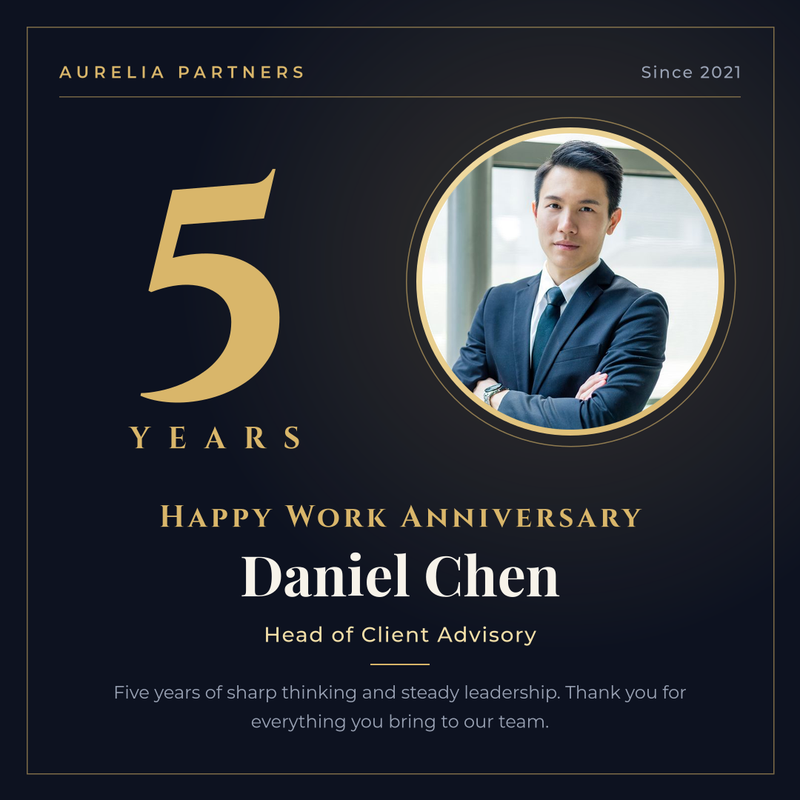
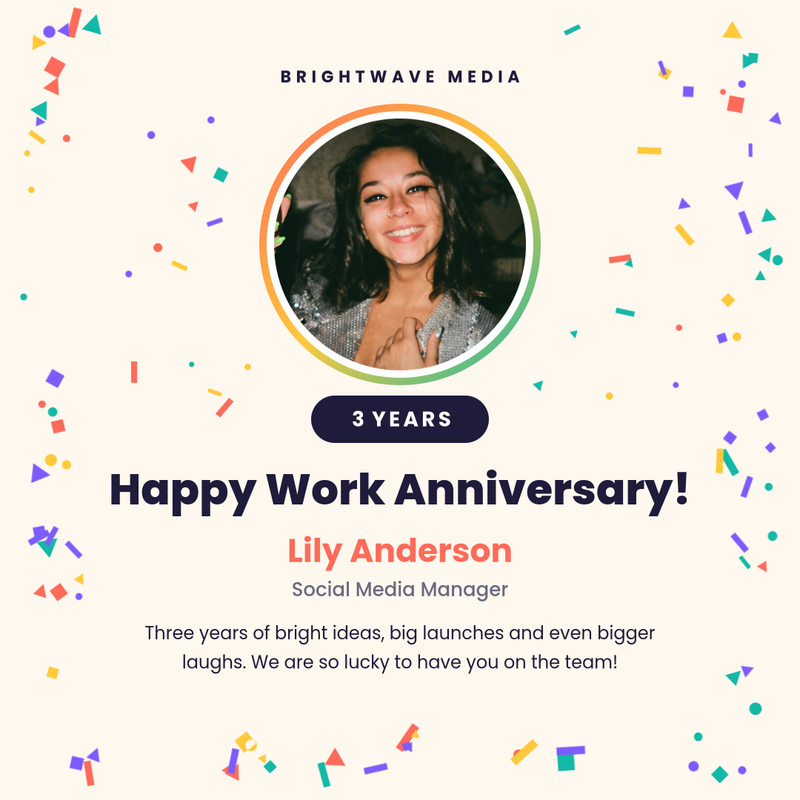
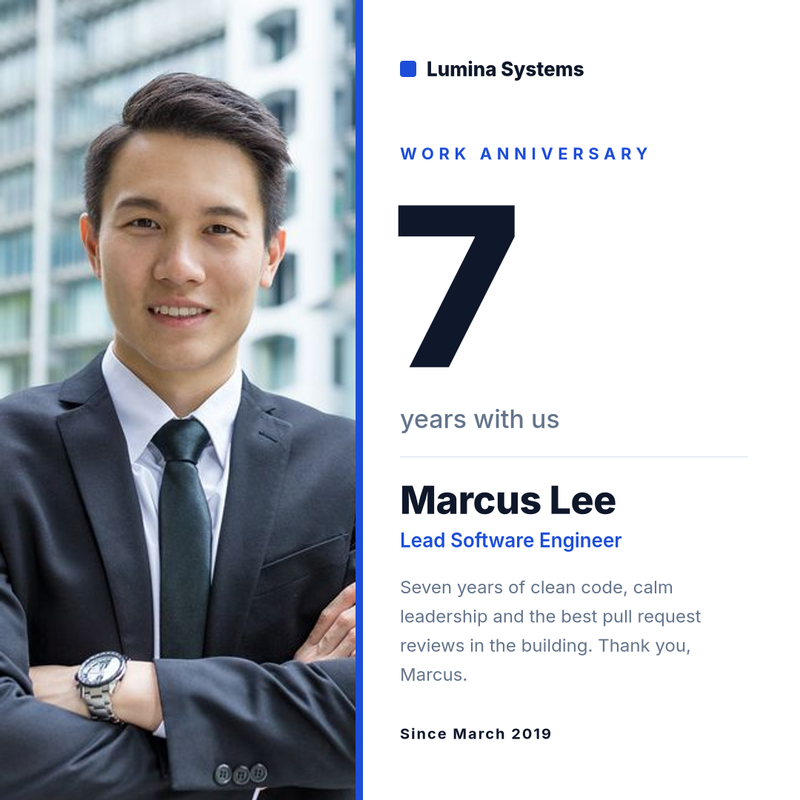
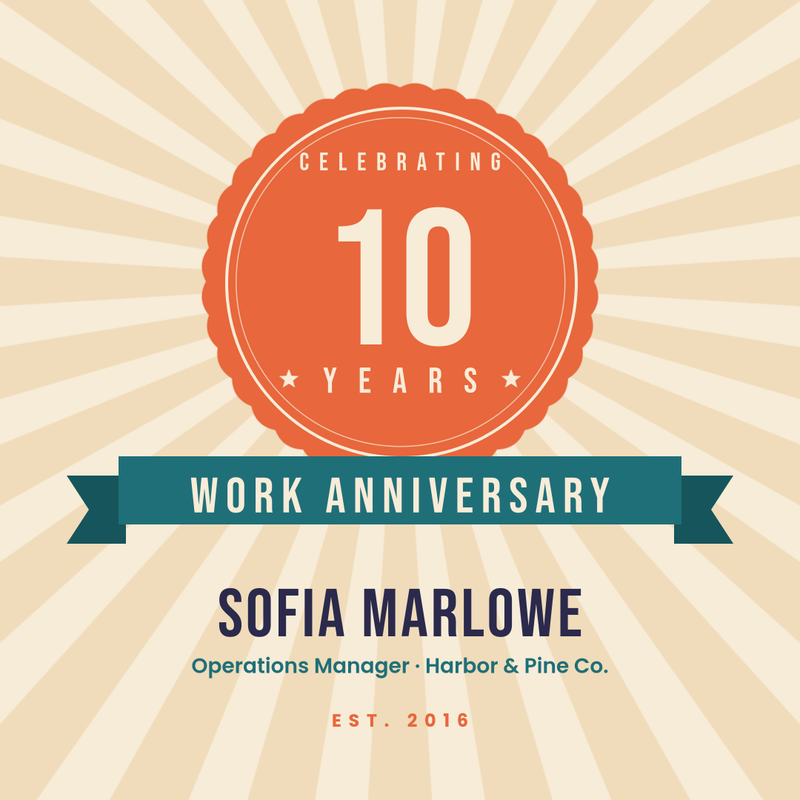
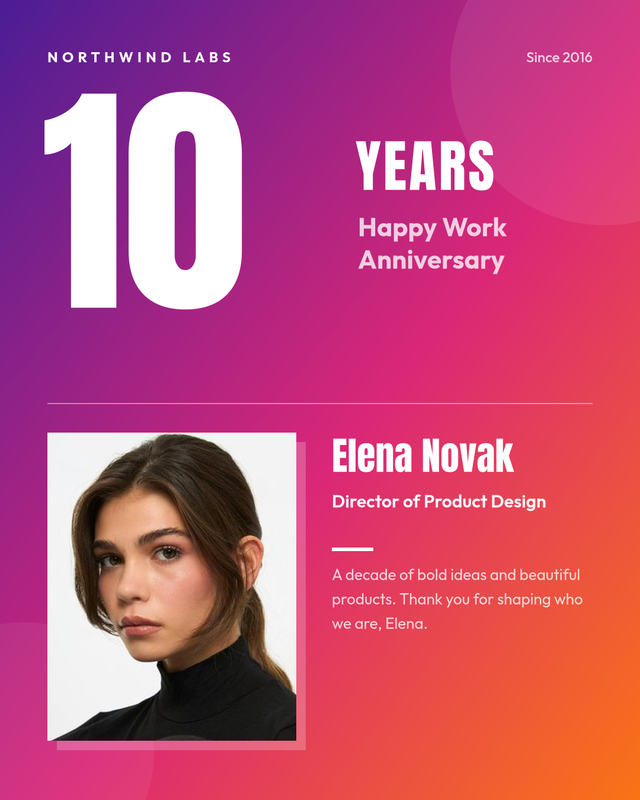
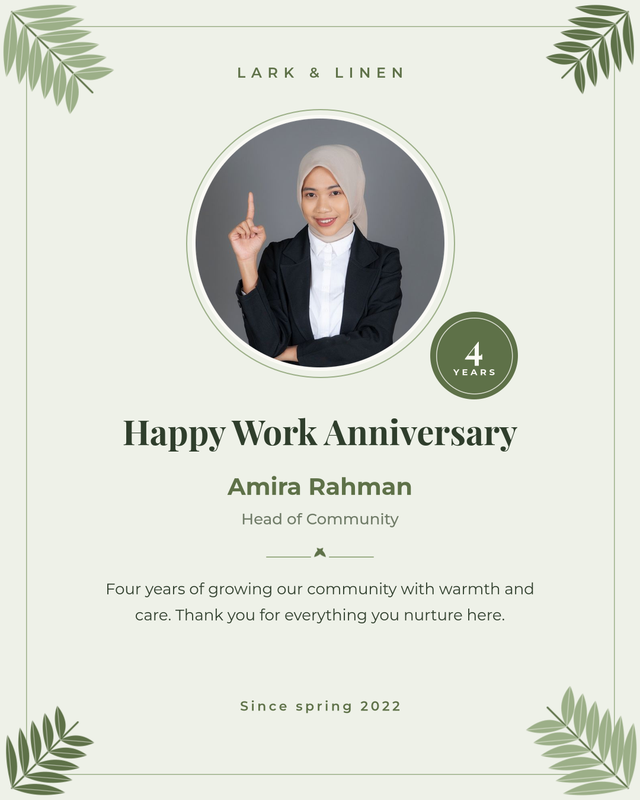
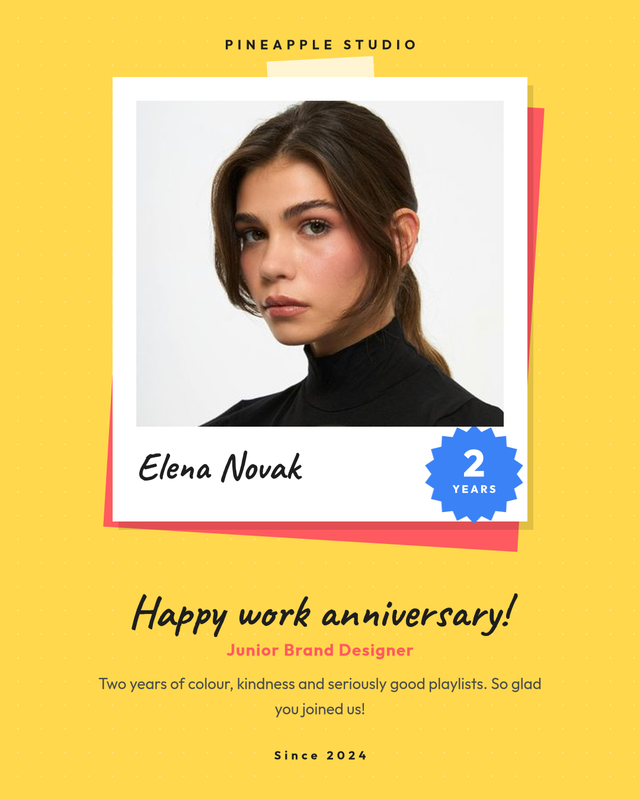
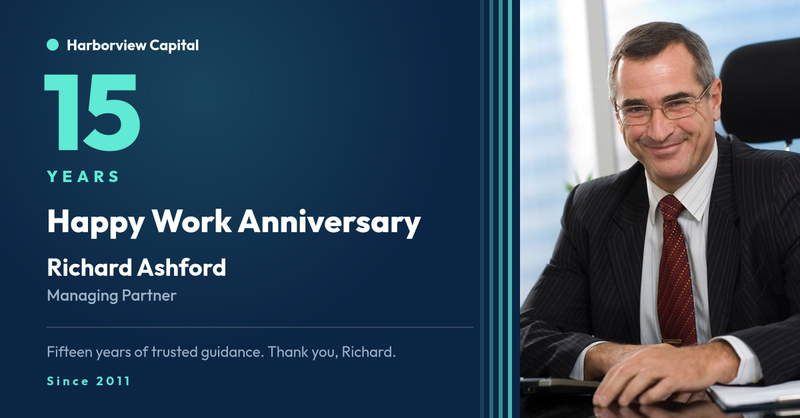
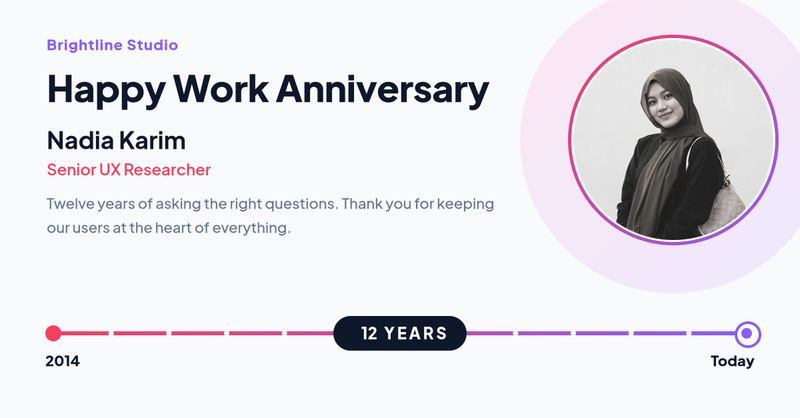
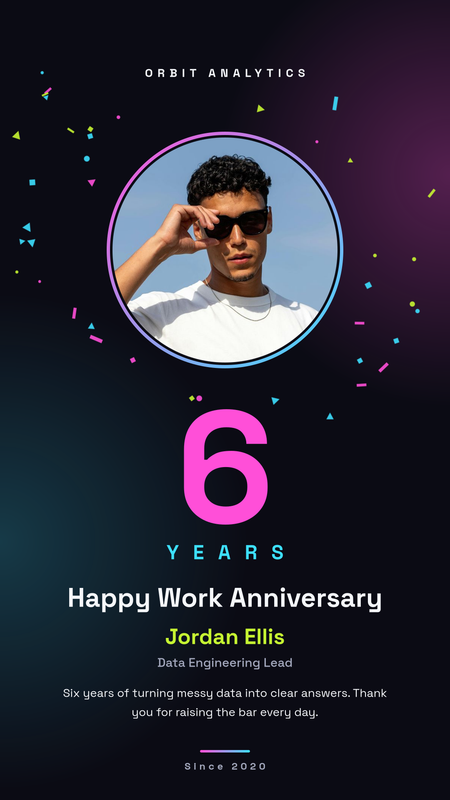
The best anniversary graphics are simple and personal. Most of our templates are built around the same set of fields, so you can keep a consistent look across every celebration:
- The milestone: the number of years, shown big. One, five, ten and twenty years are the most shared moments.
- Name and photo: a friendly headshot makes the post instantly recognisable in a busy feed.
- Job title or team: helps people outside the company understand the person's role.
- A short thank-you message: one or two sentences about what the person brings to the team.
- Start date and company name: a quiet detail that ties the post to your brand.
Work anniversary message ideas
Keep the message specific and warm rather than generic. A few starting points you can adapt:
- "Five years of sharp thinking and steady leadership. Thank you for everything you bring to our team."
- "Three years of bright ideas, big launches and even bigger laughs. We are lucky to have you."
- "A decade of building, mentoring and making hard problems look easy. Happy work anniversary!"
- "One year in and already part of the furniture, in the best possible way. Here is to many more."
The right size for every platform
Each template in this collection is designed for a specific placement, so text and photos are never cropped awkwardly:
- Square 1080 × 1080: works on LinkedIn, Instagram and Facebook feeds.
- Portrait 1080 × 1350: takes up more space in Instagram and LinkedIn mobile feeds.
- Landscape 1200 × 627: the classic LinkedIn and X (Twitter) share format, also good for internal newsletters.
- Story 1080 × 1920: for Instagram and LinkedIn stories, or a full-screen slide on office displays.
How to create a happy work anniversary image
- Pick a work anniversary template above that matches your brand and the platform you post on.
- Click it and fill in the form: years, name, job title, message and start date. Upload the employee's photo.
- Generate the image and download it as PNG, or open the template in the editor to change colours, fonts and your logo.
- Post it on LinkedIn or Instagram and tag the colleague so their network can join the celebration.
Long names and job titles shrink automatically to fit their space, so the same design works for "Li Wei" and for "Alexandra Montgomery".
Automate anniversary posts for your whole company
If you celebrate more than a handful of people a month, designing every graphic by hand quickly becomes a chore. With SnapShark you design the template once and generate the rest:
- Bulk generation: export upcoming anniversaries from your HR system as a spreadsheet, upload the CSV or Excel file and get one finished image per employee in a single ZIP.
- API: connect your HRIS or a scheduled workflow to the image generation API and create each employee anniversary LinkedIn post automatically on the right day.
The same approach works for other people moments. Pair this collection with promotion announcement templates, welcome posts for new hires, or printable certificates for long-service awards.
Tips for better anniversary posts
- Use a recent, well-lit photo with a plain background so the face reads clearly at small sizes.
- Ask the employee before posting their photo publicly, and respect people who prefer a typographic design.
- Keep one template per milestone level, for example a calm design for one to four years and a gold design for ten years and above.
- Write the caption in your own words and mention a real achievement. The image draws attention, the caption makes it personal.