
What makes a sale poster work
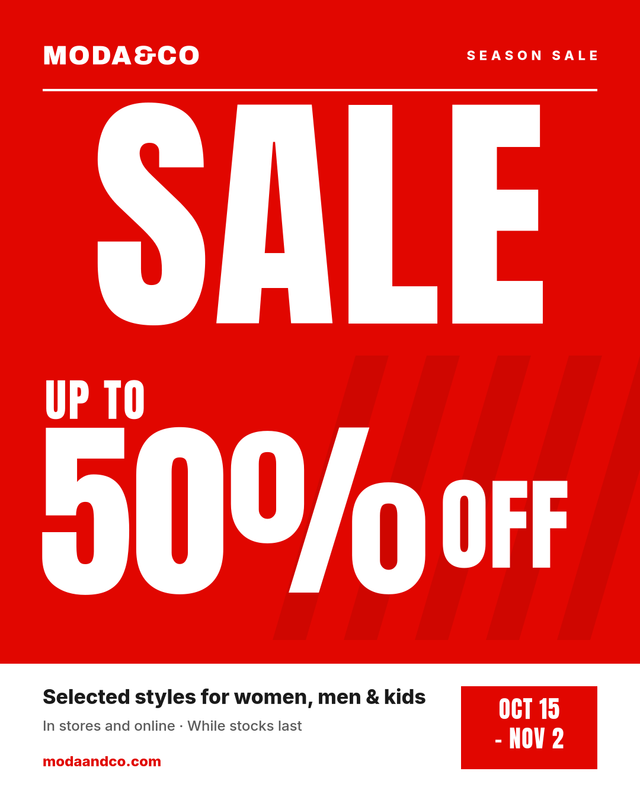
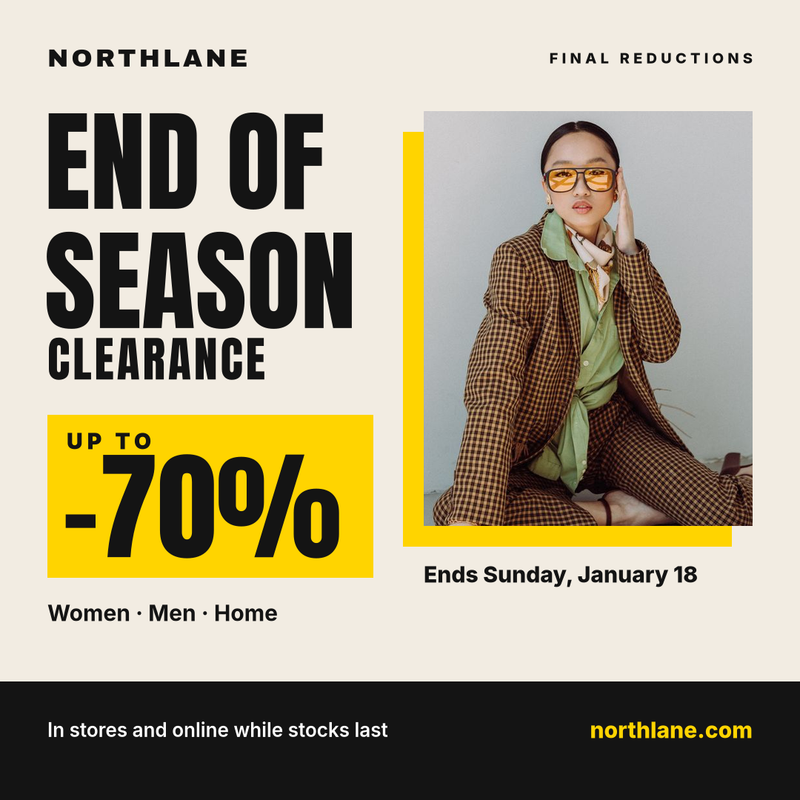
A sale poster has about two seconds to do its job. Shoppers walking past a window, scrolling a feed or glancing at an in-store screen need to understand three things almost instantly: there is a sale, how big the discount is, and when it ends. Every good sale poster template is built around that hierarchy.
- One dominant word or number. Either "SALE" or the discount itself ("50% OFF") should be the largest element on the page. If everything is big, nothing is.
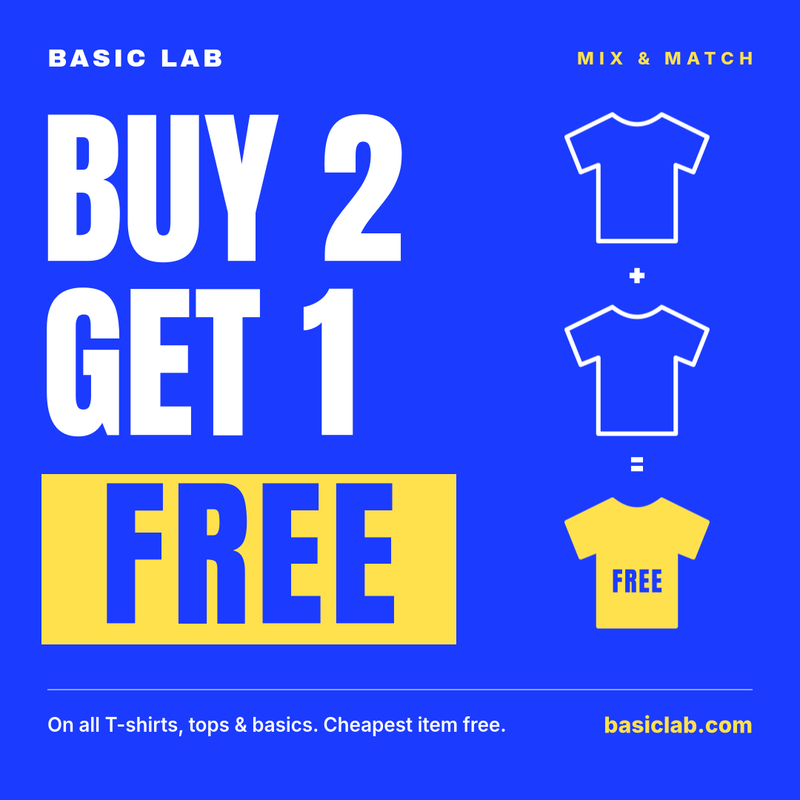
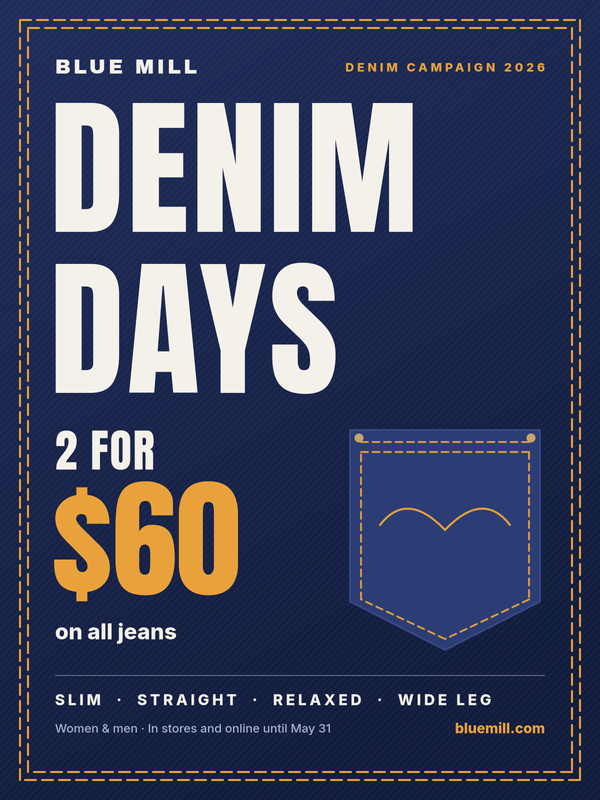
- A clear discount. "Up to 50% off", "Buy 2 get 1 free" or "2 for $60" are easier to act on than vague promises like "huge savings".
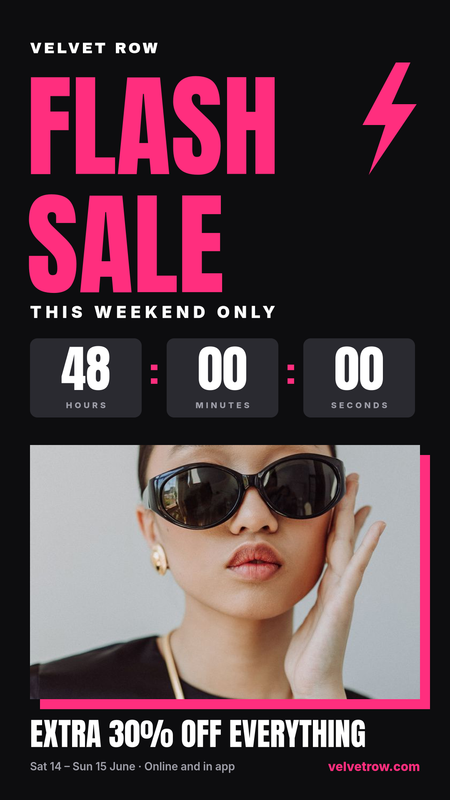
- A deadline. A date range or "this weekend only" gives people a reason to come in now rather than later.
- Brand and destination. Your store name and website or app should be visible but secondary to the offer.
- Small print that stays small. Conditions such as "selected lines" or "while stocks last" belong at the bottom in a quiet size.
Fashion sale posters vs. new collection posters
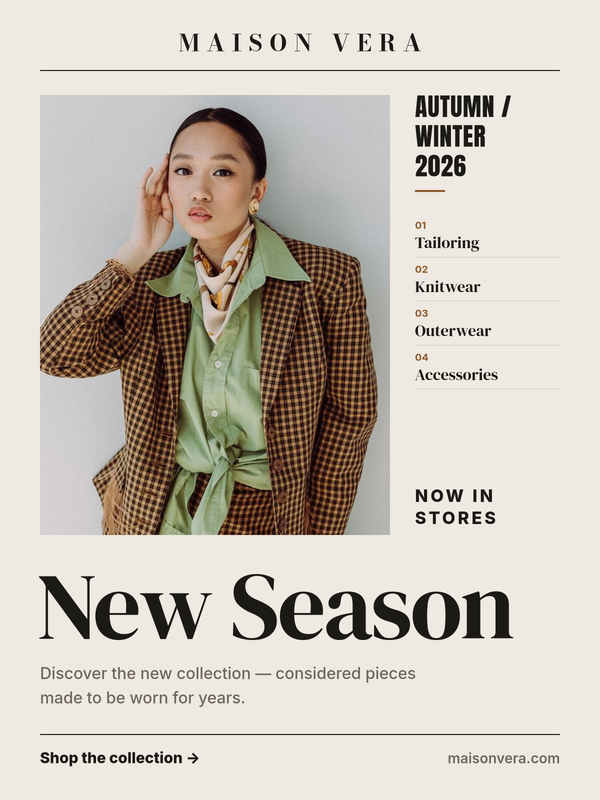
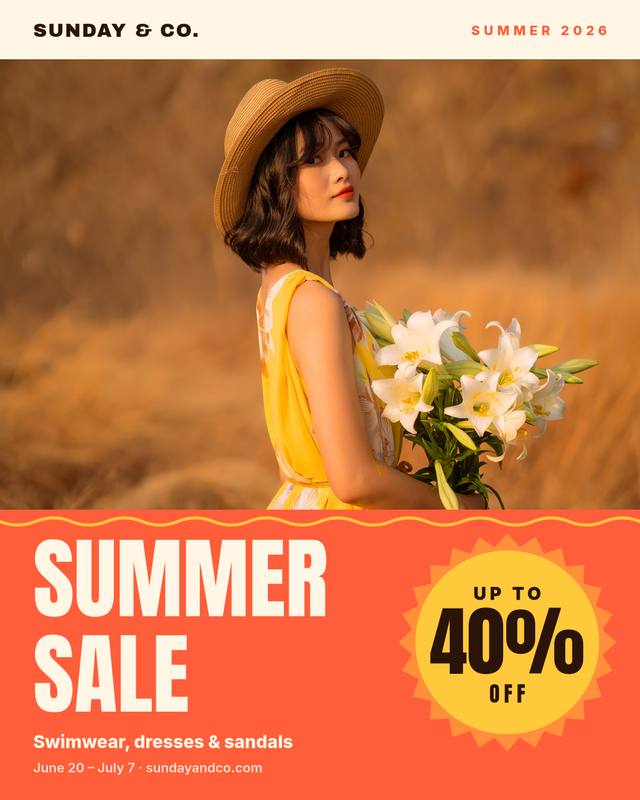
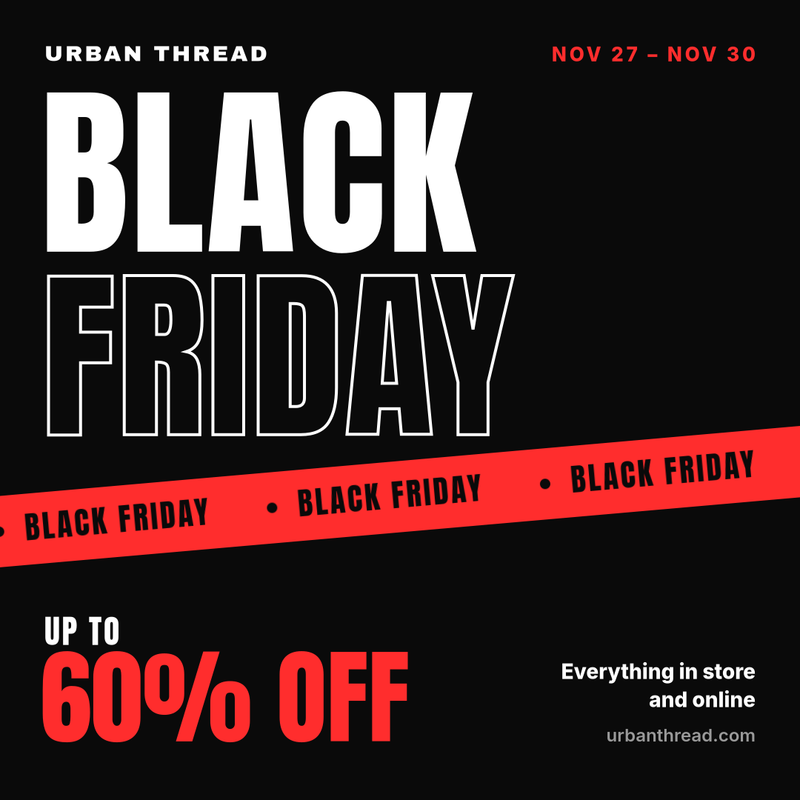
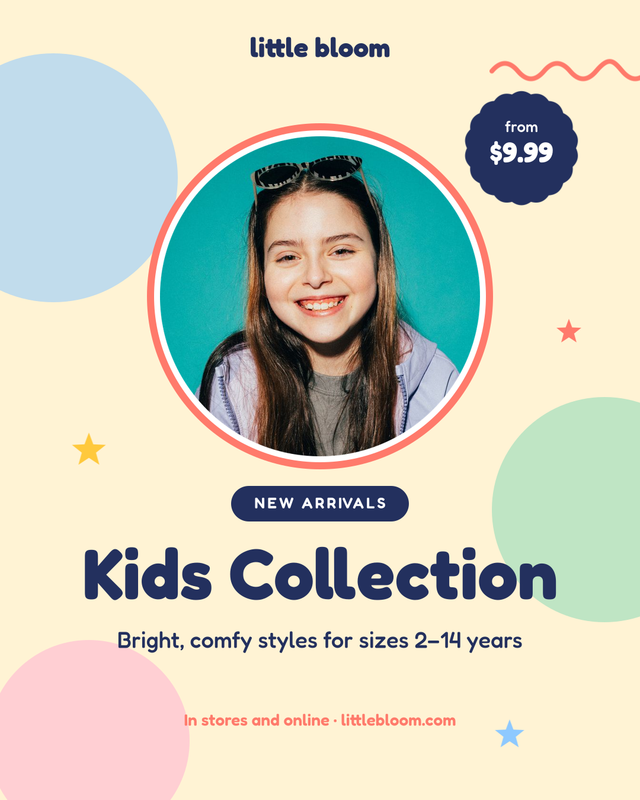
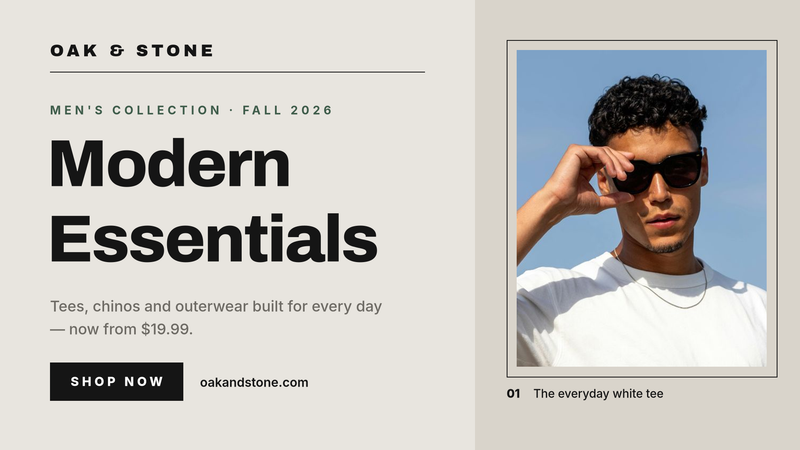
Retail campaigns usually alternate between two moods. Discount posters (end of season clearance, Black Friday, flash sales) rely on bold condensed type, high-contrast colors like red, black and yellow, and very large numbers. New collection posters (new season, a denim campaign, a kids or men's line) feel more editorial: a strong model photo, generous white space, a serif or refined headline and a short line about the collection. Our gallery includes both, so you can keep the same brand look across the full retail calendar.
Sizes for in-store, social and screens
The same campaign usually has to run in several places. These are the formats used in this category:
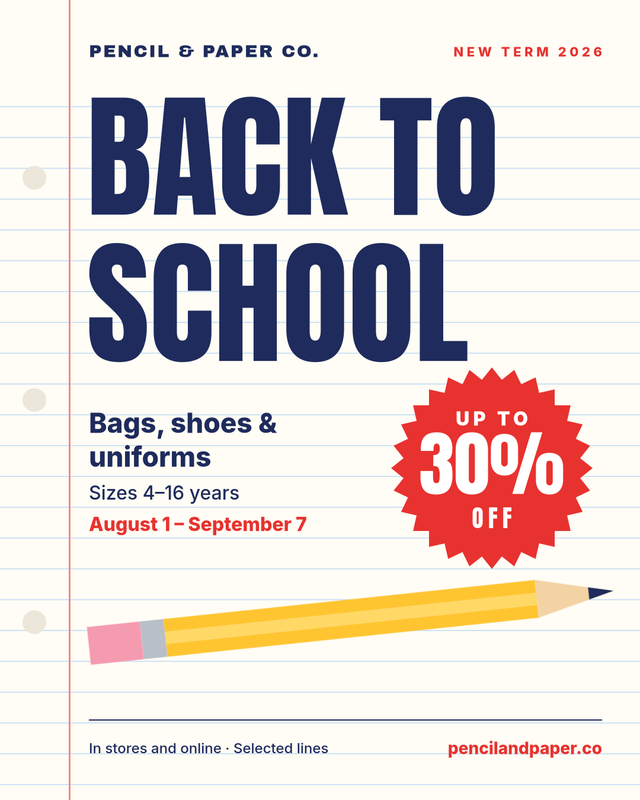
- 1080×1350 – Instagram and Facebook portrait posts; also prints well as an in-store poster.
- 1080×1080 – square feed posts on Instagram, Facebook and LinkedIn.
- 1200×1600 – a 3:4 portrait poster ratio for window displays and shelf signage.
- 1080×1920 – Instagram and Facebook Stories, TikTok and vertical digital signage.
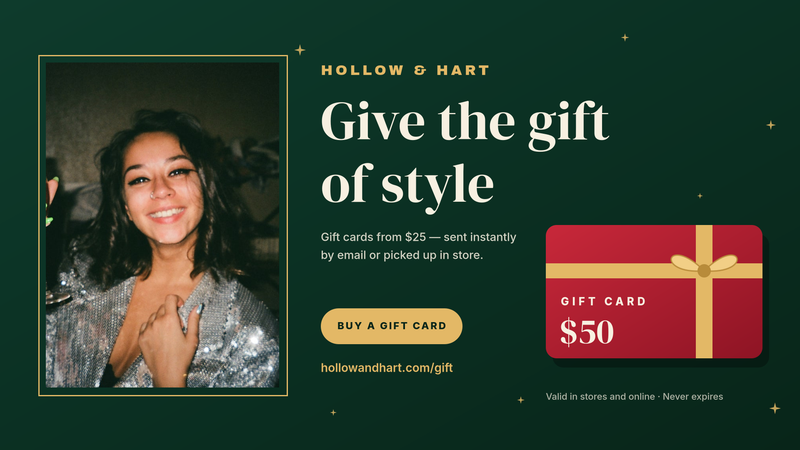
- 1920×1080 – in-store TV screens, digital signage and website hero banners.
Every template can be exported as PNG, WebP or PDF, so a single design can go to the print shop and to social media.
How to create a sale poster with SnapShark
- Pick a template from the gallery above that matches your campaign: clearance, summer sale, Black Friday, back to school, gift cards and more.
- Fill in the form. Change the brand name, headline, discount, dates, conditions and website. Text automatically shrinks to fit its box, so long headlines and brand names stay inside the layout.
- Swap the photo for your own product or campaign image where the template has one.
- Download your poster, or clone the template into your account to change colors, fonts and layout in the editor.
Generate a poster for every store, product or market
Retail teams rarely need just one poster. A national sale might need a version for every store with its own opening hours, a version per country with local prices and currency, or one banner for each product on promotion. Instead of editing dozens of files by hand, you can:
- Upload a spreadsheet with one row per store, product or language and generate every poster in one bulk job, then download them as a ZIP.
- Use the image generation API to create posters automatically from your product feed or e-commerce platform, for example a sale banner for every discounted item the moment its price changes.
Because every variant comes from the same template, layout, fonts and colors stay consistent across every store and channel.
Tips for better sale posters
- Limit yourself to two typefaces: one bold display face for the offer and one simple sans-serif for details.
- Use your brand color consistently across the whole campaign so posters, stories and screens feel connected.
- Keep the discount readable from a distance; for window posters, check it at small preview size before printing.
- Always include the end date. Without one, a sale poster can look outdated long after the campaign has finished.
- For event and announcement posters that aren't about discounts, browse our posters and flyers templates.